Windows 11 文件夹最佳 ISO 制作工具
比较 Windows 11 文件夹 ISO 制作工具,并选择适合批量任务、清晰名称、日志、报告和本地检查的流程。
阅读文章
关于批量 ISO 创建、文件夹转 ISO 转换和 Windows ISO 工作流程的指南、比较和比较。
比较 Windows 11 文件夹 ISO 制作工具,并选择适合批量任务、清晰名称、日志、报告和本地检查的流程。
在 Windows 11 上用本地流程从文件夹创建 ISO:准备文件,选择 Folder Mode 或 Batch Mode,重命名输出,检查日志并挂载结果。
比较在线文件夹转 ISO 工具和本地 Windows 工具:隐私、大型文件夹、批量任务、命名规则、日志和报告。
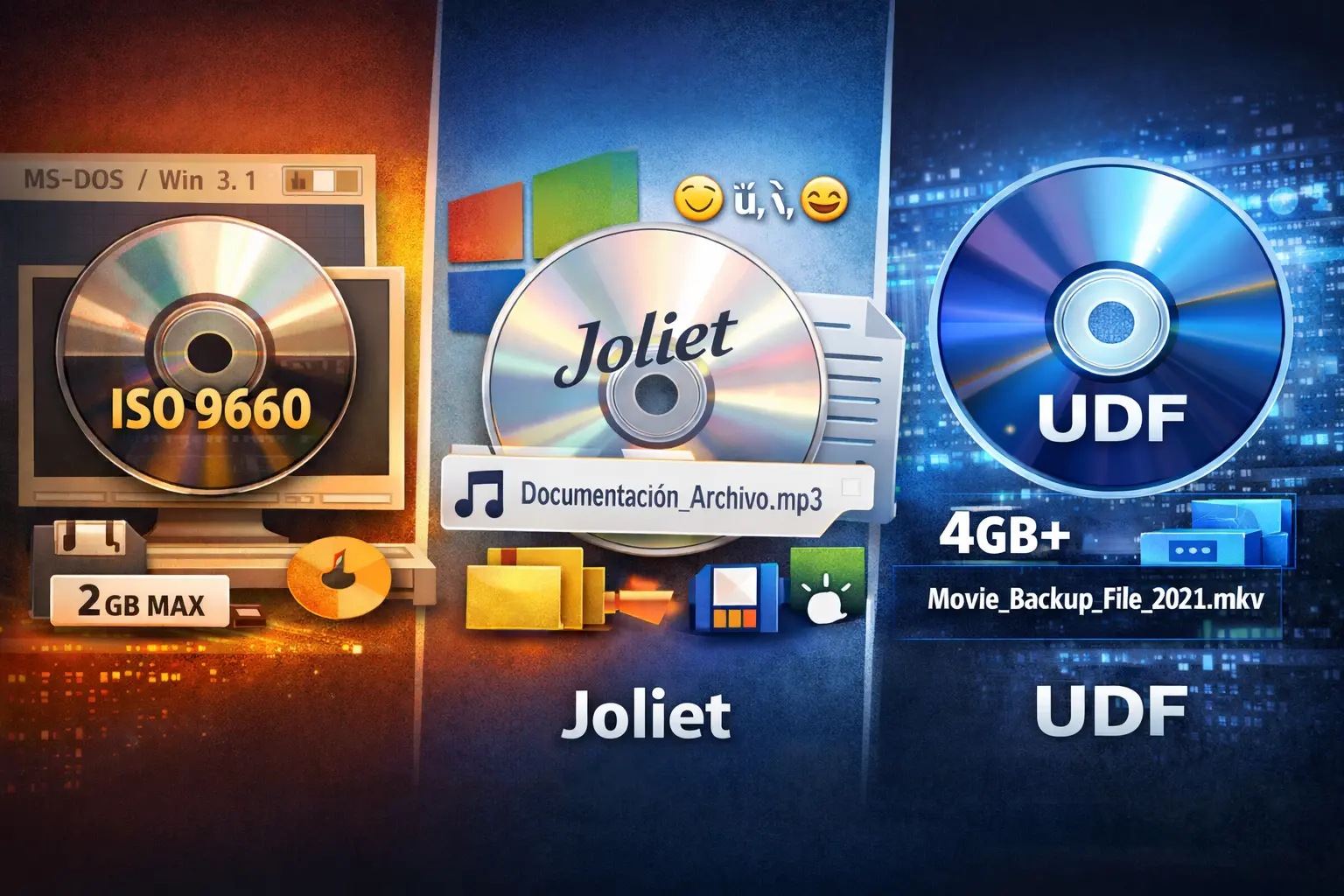
比较 Windows ISO 归档中的 UDF 与 Joliet:限制、兼容性、长文件名,以及何时选择每种方案。
了解 Joliet 为 ISO 文件增加了什么、Windows 用户何时需要它,以及创建 ISO 时如何避免名称问题。
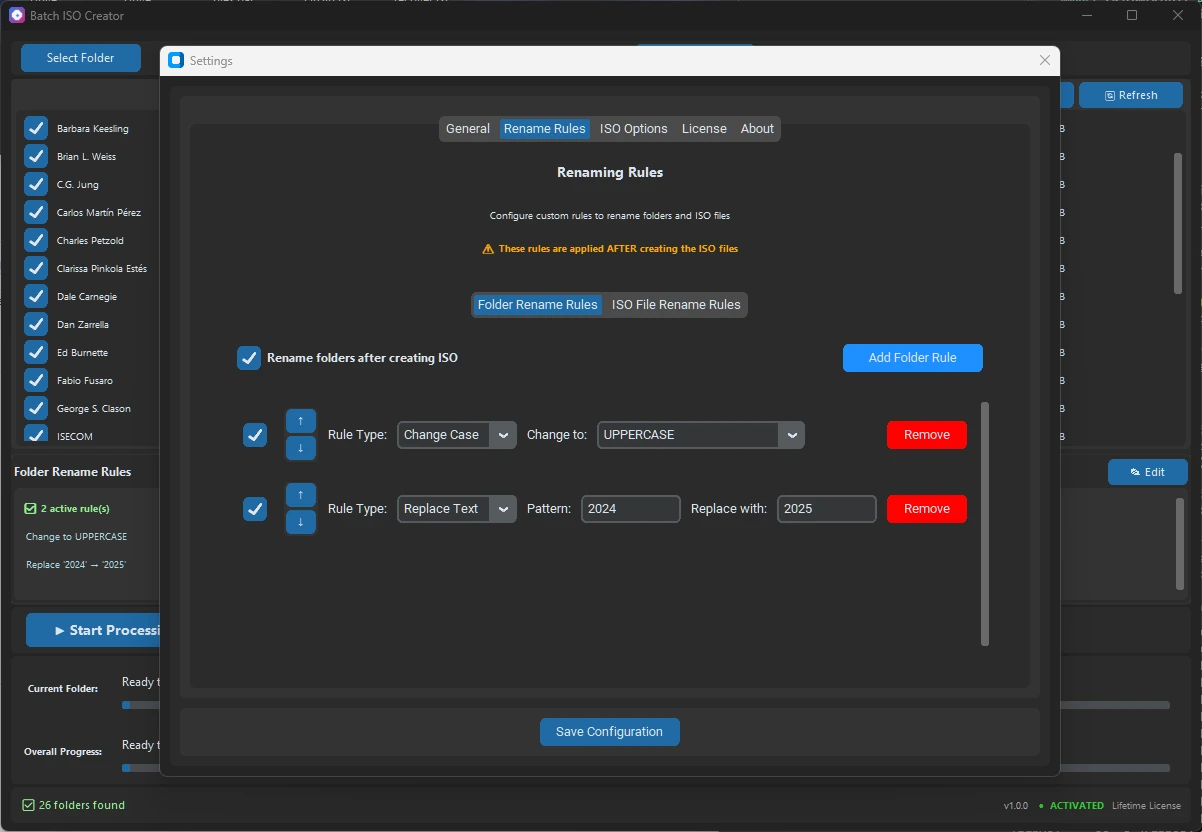
通过源名称清理、输出文件夹、重命名规则、序列化、日志和报告,避免 Windows 批量任务中的 ISO 文件名重复。
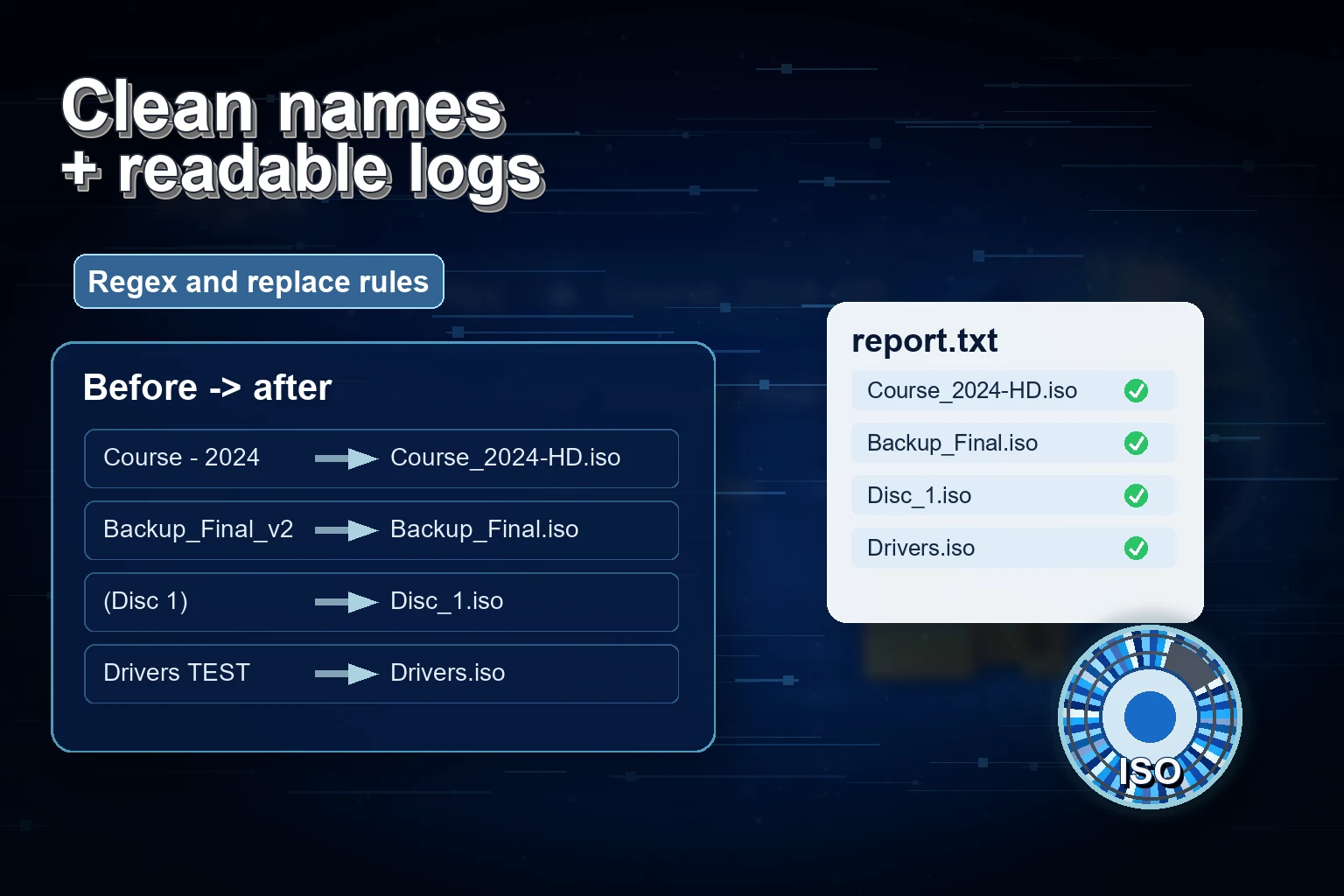
通过检查名称、路径、磁盘空间、输出文件夹、ISO 设置、日志和批量报告来修复 Windows ISO 创建失败。
在 Windows 批量任务前选择 ISO 保存位置,避免源文件和输出混乱、空间不足、覆盖文件和交付文件夹混乱。
在创建 ISO 前修复 Windows ISO 文件名中的无效字符:清理文件夹、卷标、重命名规则、日志和更安全的批量输出。
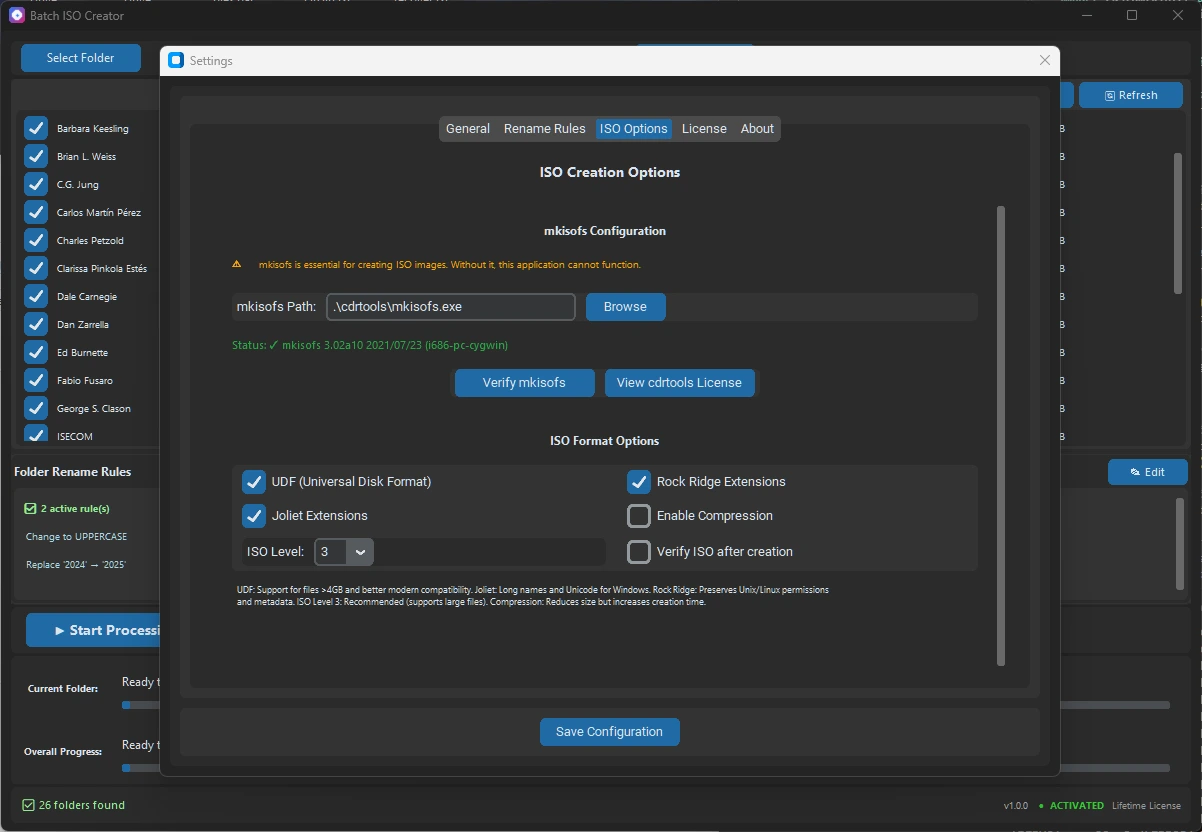
了解 mkisofs 的作用、ISO 9660、Joliet 和 Rock Ridge 的关系,以及何时更适合使用 Windows 图形化流程。
使用序列化重命名规则,在 Windows 批量 ISO 任务中为文件夹和 ISO 名称编号,并保持清晰顺序。
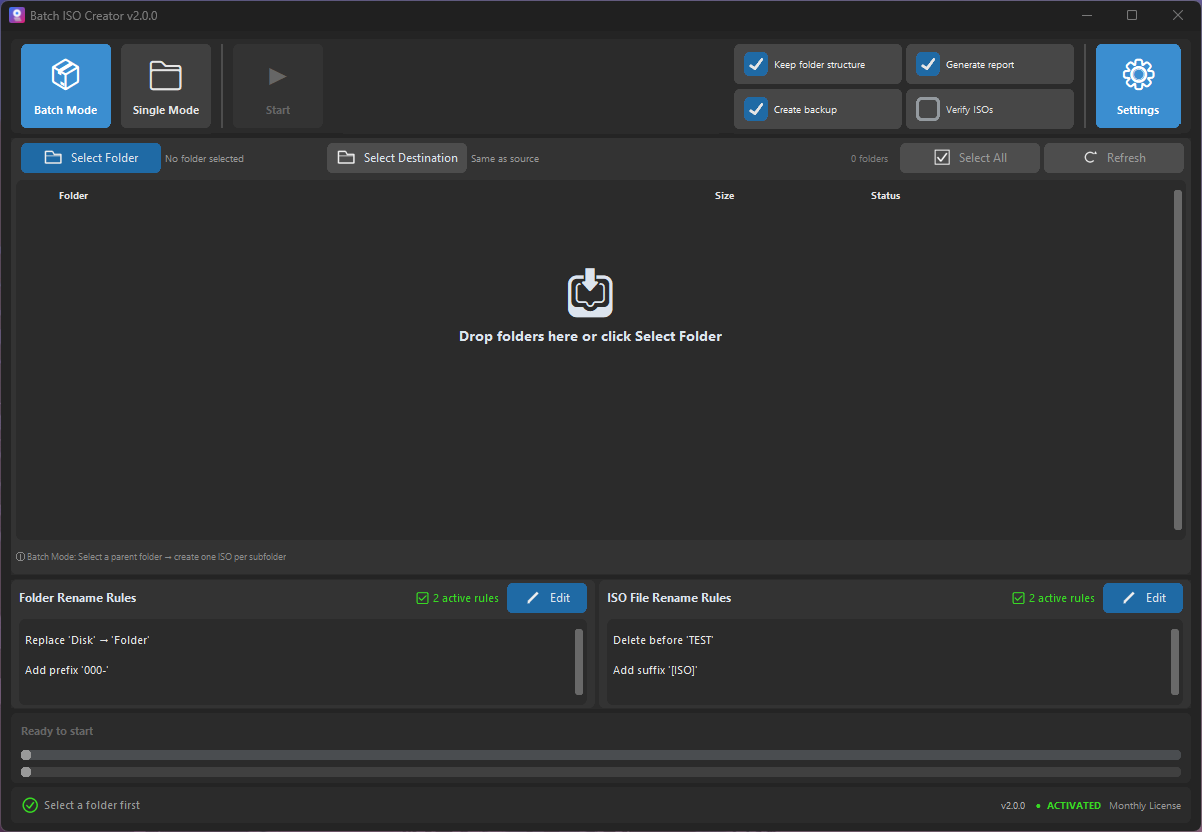
创建后管理 Windows ISO 文件:清晰命名、挂载检查、报告,以及何时使用 ISO Library。
在 Windows 文件夹转 ISO 工作中选择 Batch Mode 或 Folder Mode:免费测试、受控任务或可重复批量运行。
在 Windows 上创建 ISO 后进行挂载、检查和记录,确认结构、名称、日志和交付内容正确。
在 Windows 上免费挂载、打开和卸载 ISO;当文件夹转 ISO 工作需要更多控制时再使用 Batch ISO Creator。
了解 Rock Ridge 何时对文件夹转 ISO 归档有用、它与 Joliet 的区别,以及如何选择更安全的 Windows ISO 设置。
A practical checklist for folder names, ISO names, volume labels, Joliet Long, and rename rules before creating Windows-friendly ISO archives.
What Batch ISO Creator free mode covers, when one ISO per session is enough, and when repeated folder-to-ISO work needs unlimited output.
When to use Joliet Long, UDF, Rock Ridge, or rename rules before creating Windows-friendly ISO files from folders.
A practical guide for turning a parent folder into one clean ISO file per subfolder without repeating the same setup all afternoon.
A detailed guide to turning messy folder names into consistent ISO filenames before the final output reaches clients, archives, or teams.
A focused guide to the folder rename side of Batch ISO Creator, including how it differs from ISO file renaming.
A no-script workflow for users who want repeatable folder-to-ISO output without building and maintaining their own automation.
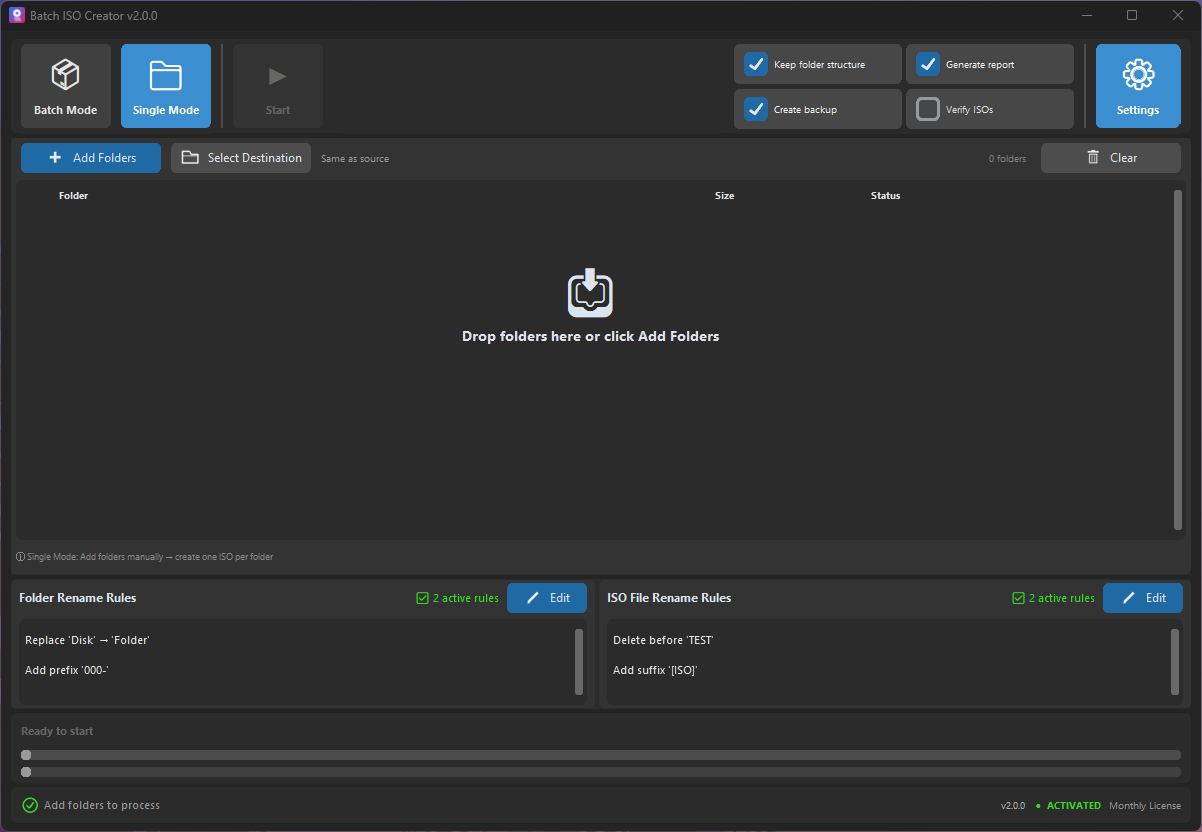
A product-focused guide to choosing the right mode before you create ISO files from folders on Windows.
How IT technicians can package drivers, installers, utilities, and documentation into consistent ISO files without a slow manual loop.
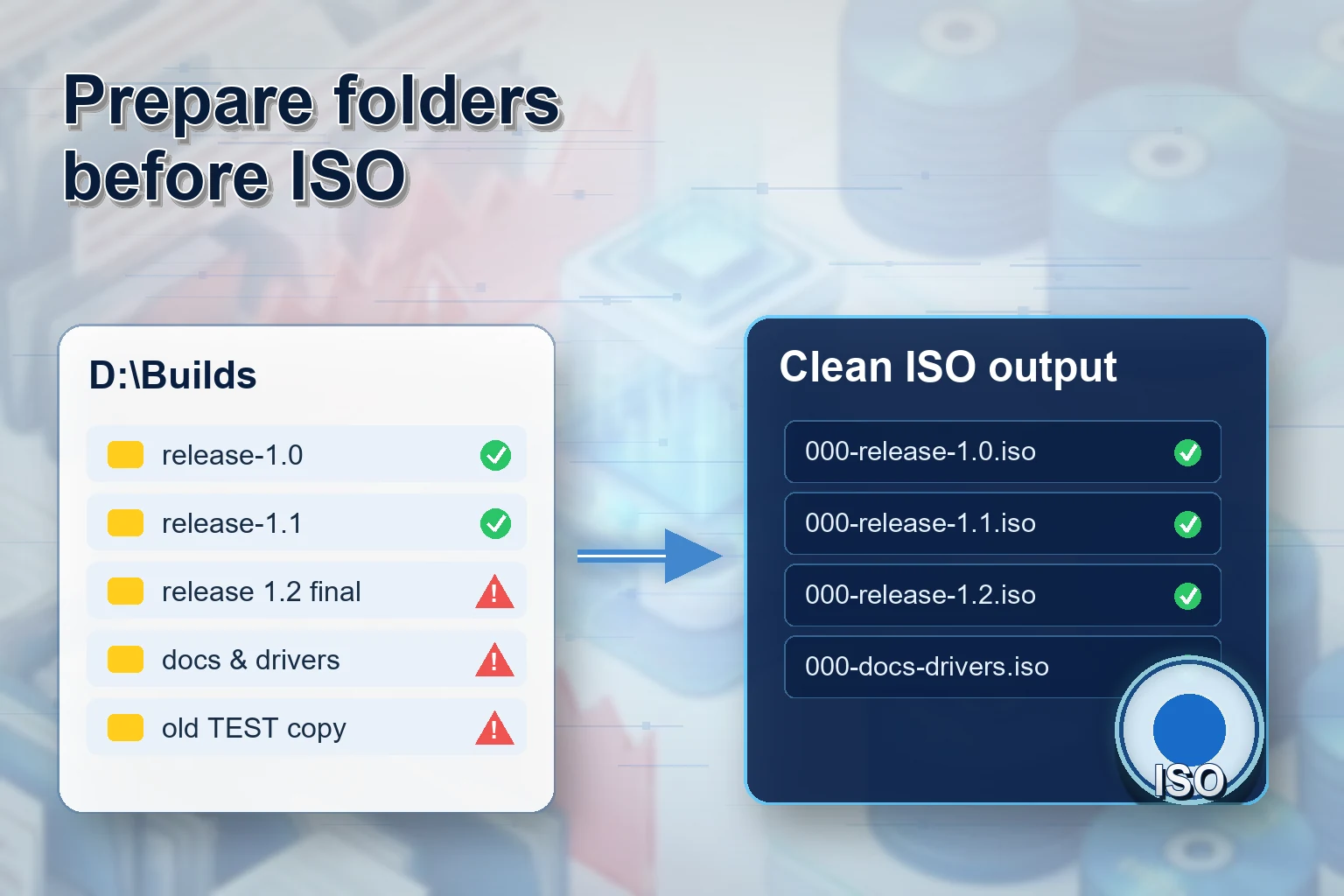
A release packaging workflow for teams that need clean versioned ISO files from build folders, client bundles, or offline installers.
A detailed checklist for turning client folders into professional ISO deliverables without sounding pushy or overcomplicated.
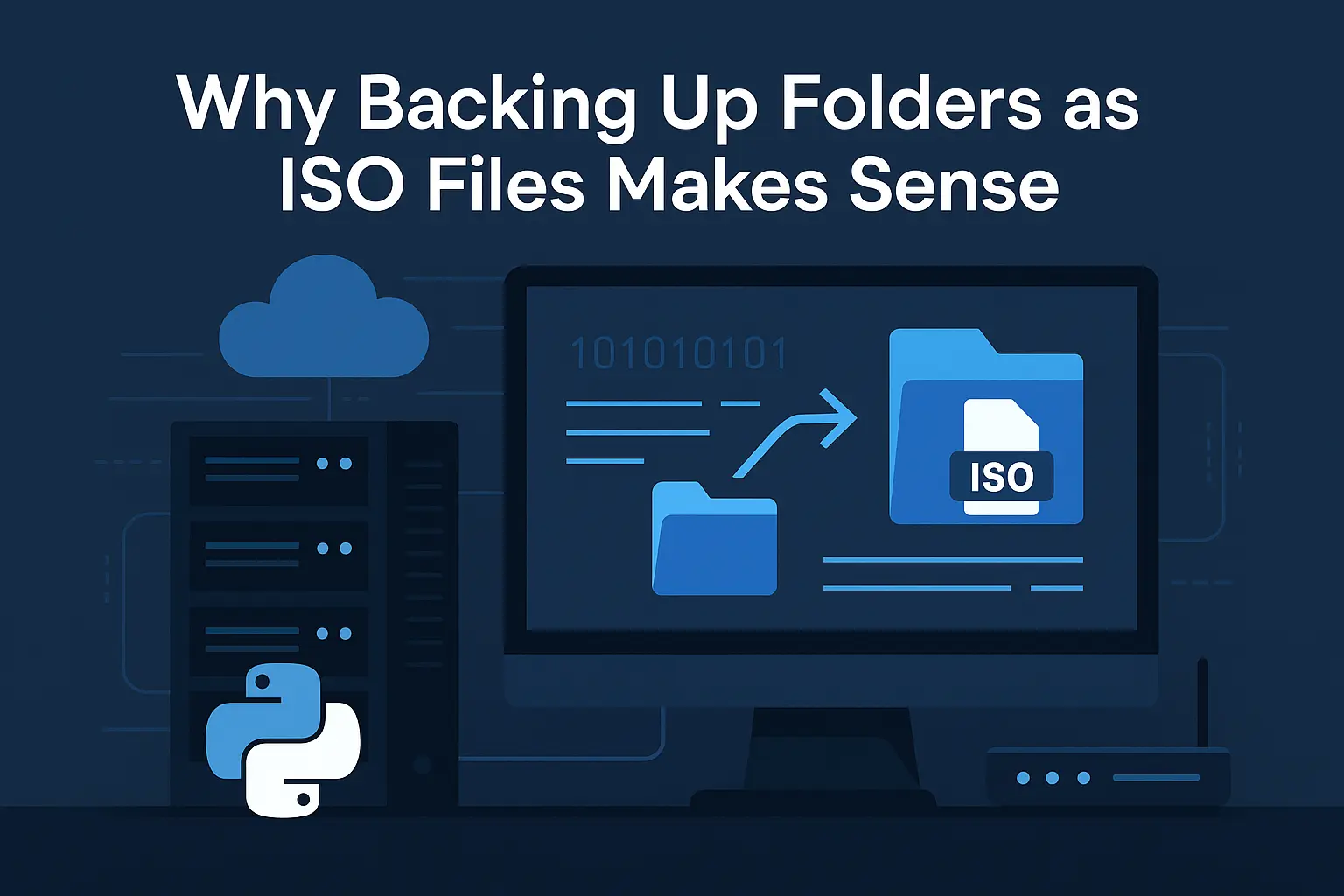
A practical archive workflow for turning completed project folders into ISO images that are easier to store, search, and reopen.
Turn course folders and lab kits into mountable ISO files that are easier to distribute, store, and reuse across classes.
A conversion-focused guide for users who want the fastest path from folder set to batch ISO output.
Rule-by-rule examples for turning inconsistent folder names into archive-ready ISO filenames.
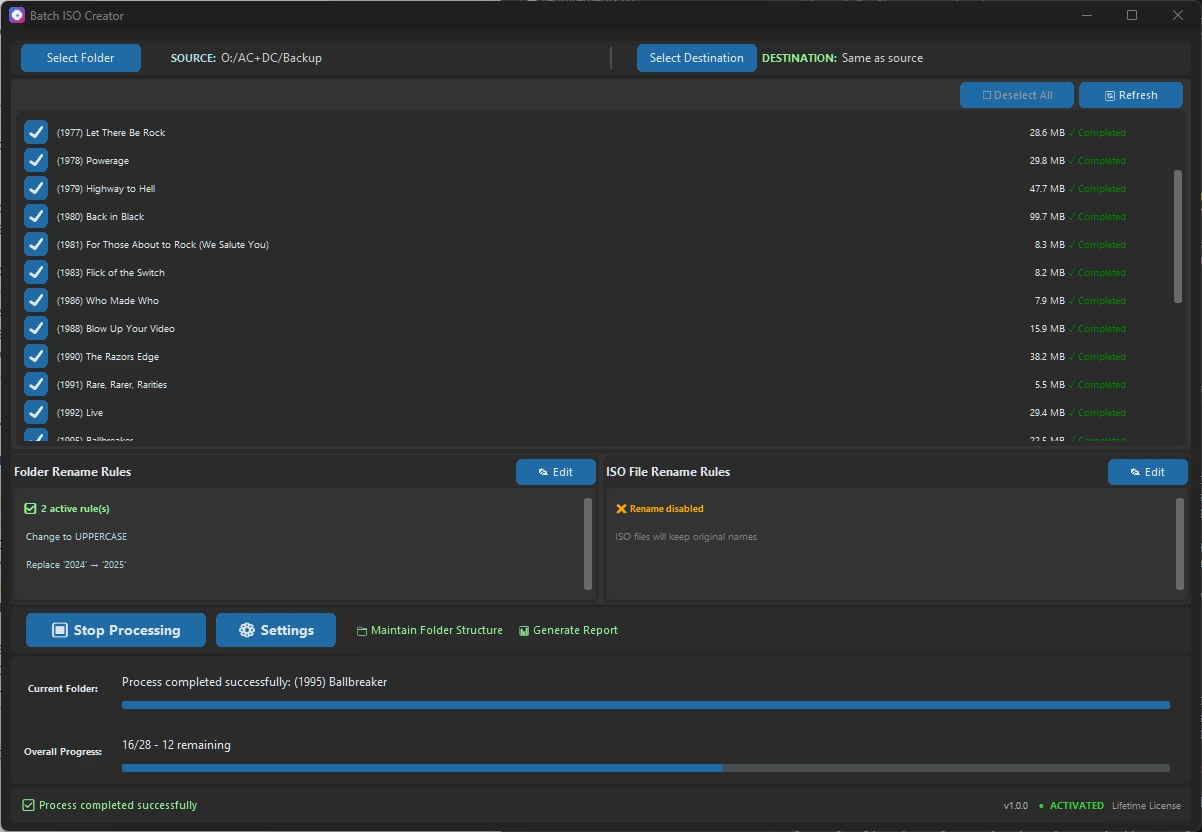
A reporting-focused guide for users who need proof, reviewability, and less uncertainty after a batch ISO run.
A VM lab packaging workflow for instructors, IT teams, testers, and anyone who attaches folders as ISO media.
A technician-friendly guide for creating model-specific driver ISOs that are easy to identify later.
A practical guide to avoiding the messy destination folder that usually appears after a big ISO batch.
A low-pressure buying guide for businesses that need organized folder archives without enterprise backup complexity.
A feature-detailed guide that connects ISO compatibility options to real archive and delivery decisions.
A course-delivery workflow for trainers who need repeatable module packages instead of loose folders.
A final pre-download style checklist for users who want confidence before they buy or run a large batch.
Learn how to batch rename files while creating ISOs using Batch ISO Creator. Deep dive into Regex, Replace, Case conversion, and more to standardize your archives.
Understand the differences between ISO 9660, Joliet, and UDF file systems. Learn which format to choose for maximum compatibility and large files.

Understand why ISO filenames are limited to 64 characters and how to fix it automatically using Joliet Long or rename rules.
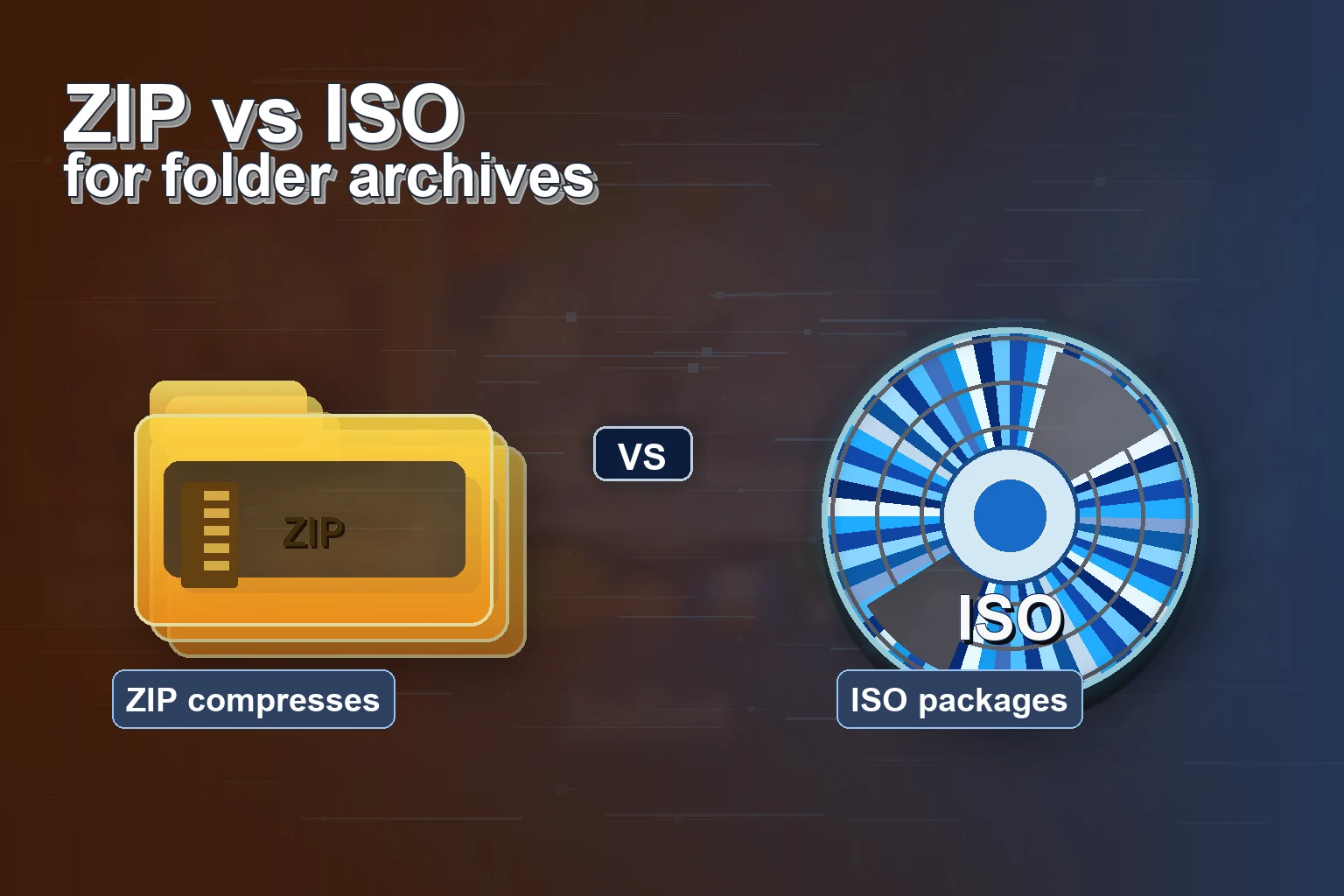
Learn why ISO backups beat ZIP for long-term archives: structure preservation, compatibility, and cleaner reuse across platforms.
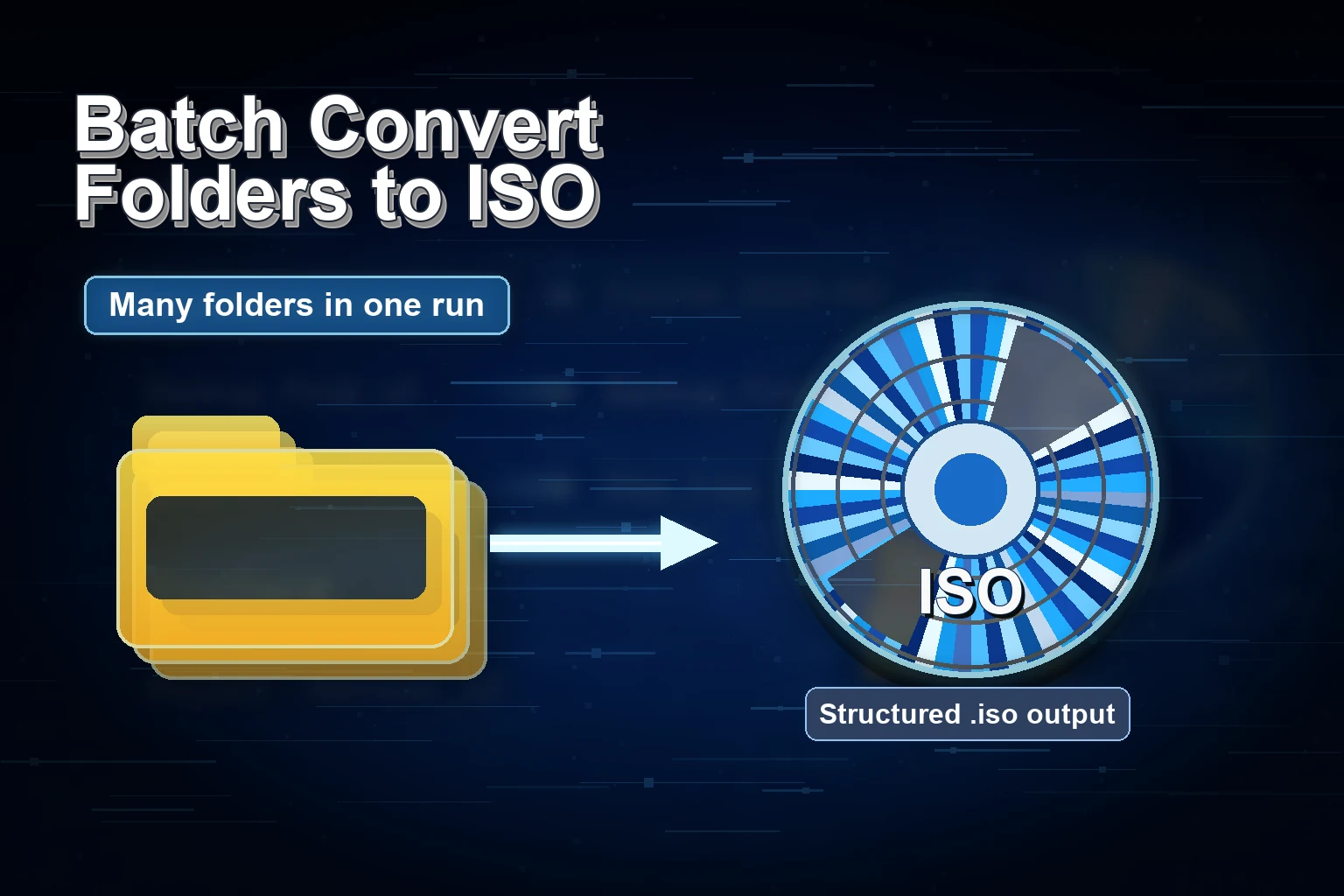
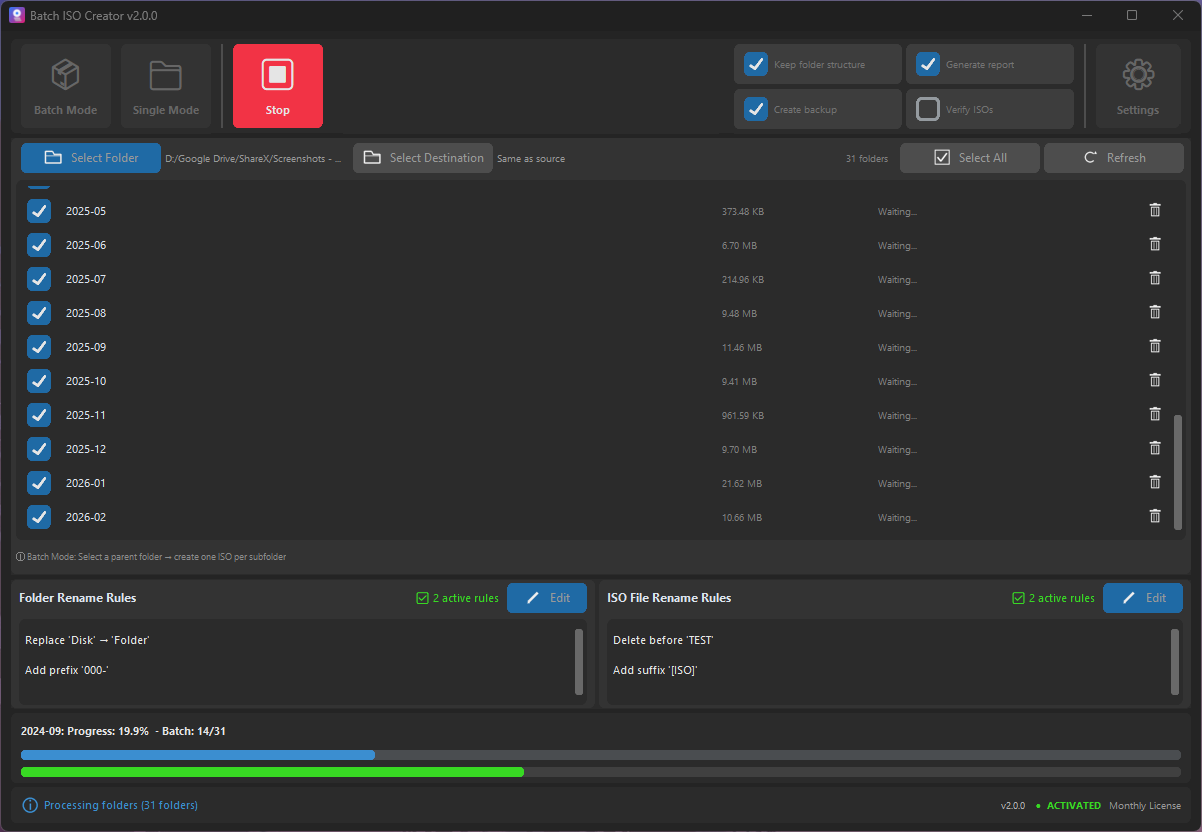
Step-by-step guide to batch convert multiple folders to ISO files on Windows 10/11 with Batch ISO Creator.
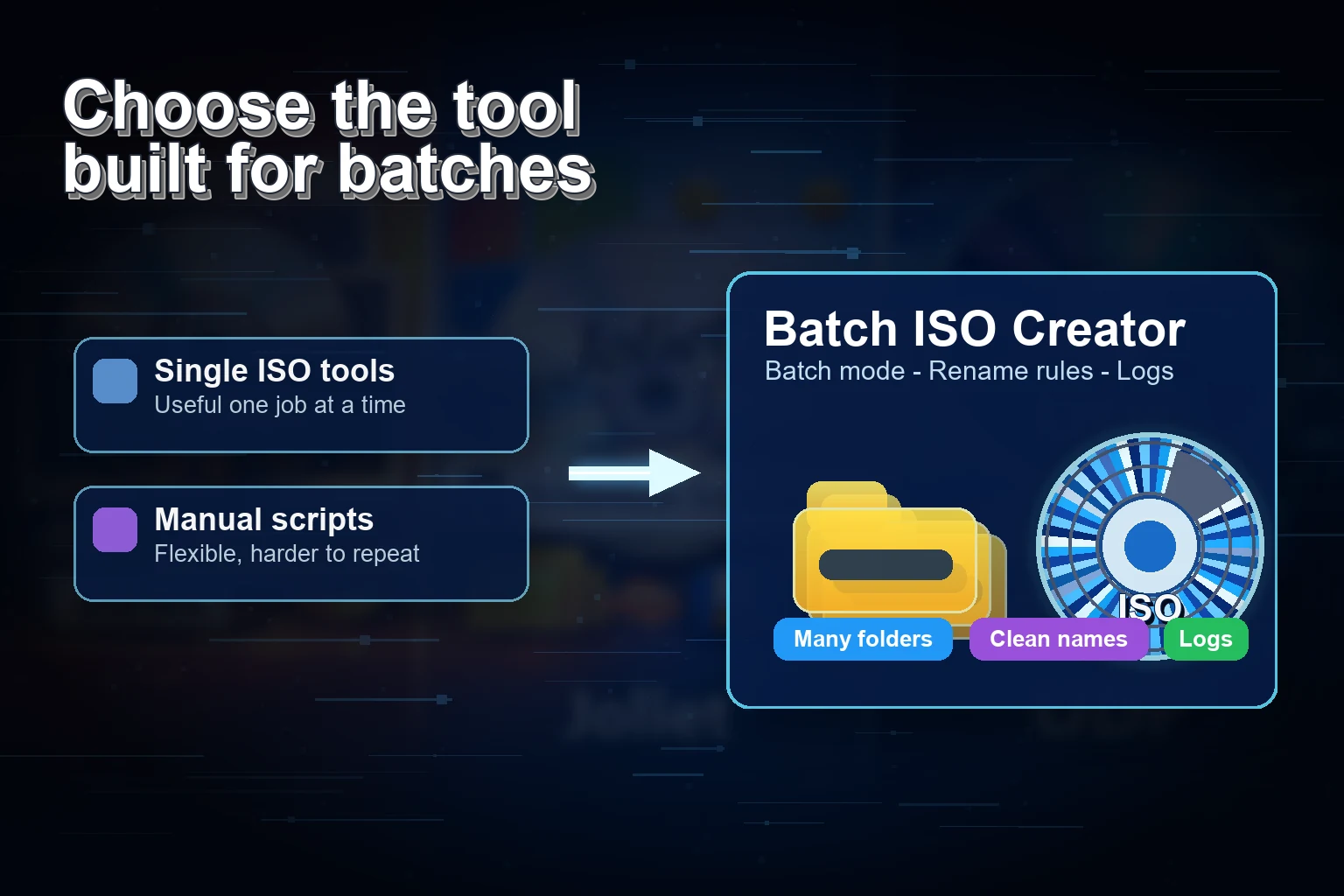
Compare top tools for batch ISO creation and see which folder-to-ISO converter delivers the best automation and logs.
Batch convert multiple folders to ISO files on Windows 10/11 with a fast, script-free workflow.

Batch ISO Creator is live on Product Hunt — a Windows app that batch converts folders to ISO with rename rules and logs.