UDF vs Joliet for Windows ISO Archives
UDF and Joliet solve different ISO problems. The right choice depends on file size, file names, target readers, and whether your workflow is a one-off image or a repeatable folder archive.
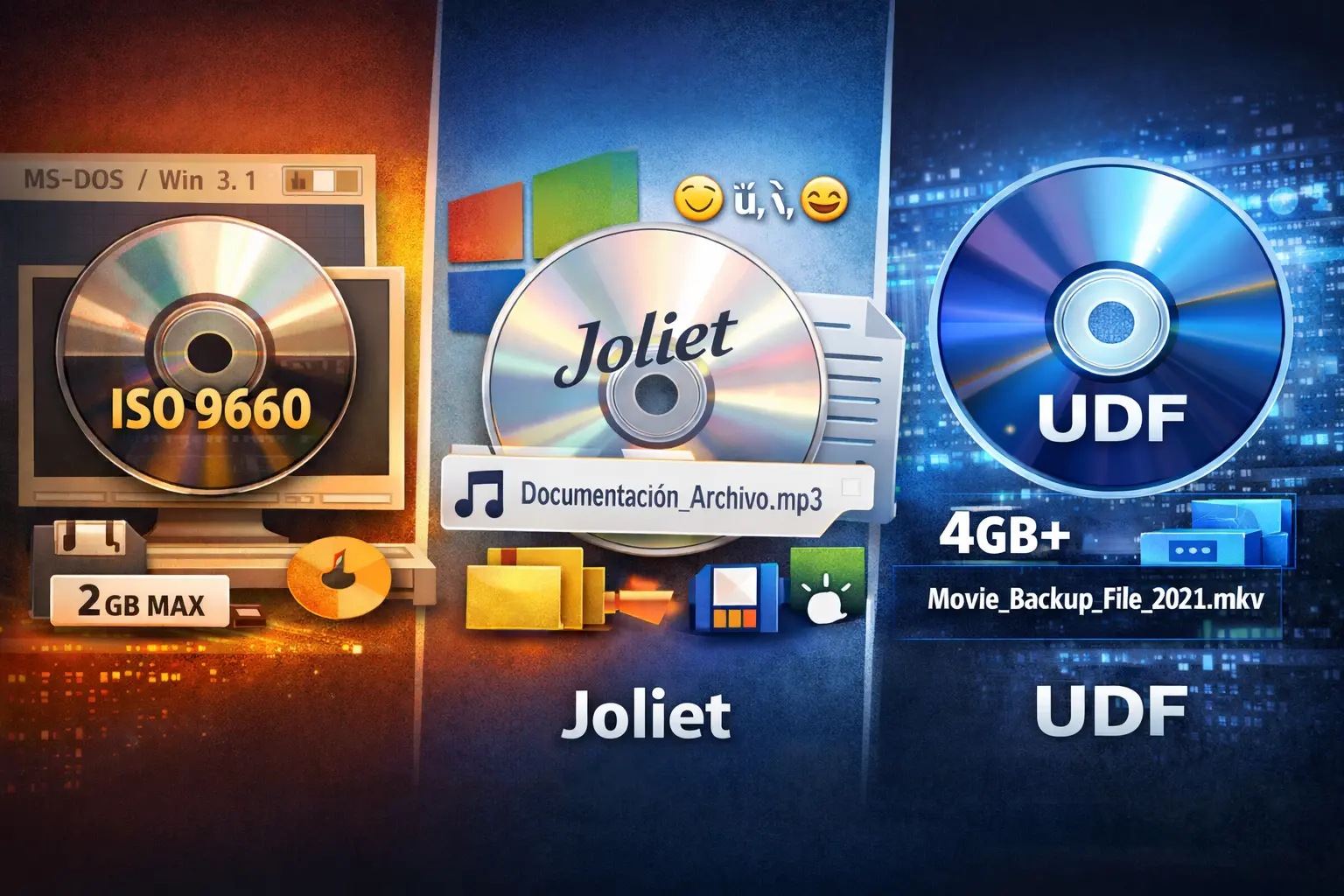
When people compare UDF and Joliet, they are often asking one practical question: which choice will keep a Windows ISO archive readable later? The answer is not simply "newer is better." UDF and Joliet address different problems, and choosing the wrong one can create a file that technically opens but is awkward to review, share, or reproduce.
UDF is a full file system often associated with DVDs, Blu-ray media, larger files, and modern disc images. Joliet is an extension to ISO 9660 that gives Windows users readable long file names and Unicode names inside an ISO. If your archive is mostly a Windows folder set, names and reviewability may matter more than chasing a format label.
Short answer: choose UDF when your project specifically requires UDF support, very large files, or modern optical media behavior. Choose Joliet when the job is a Windows folder-to-ISO archive that needs readable long names, broad ISO 9660 compatibility, and a repeatable workflow.
What UDF solves
UDF, short for Universal Disk Format, was designed for newer optical media and modern disc-image use cases. It is commonly discussed when a project includes files larger than older ISO 9660 limits, longer names, or requirements tied to DVD and Blu-ray style media. If a client, device, authoring standard, or internal policy says "UDF required," treat that as a real requirement.
That does not mean every folder archive needs UDF. Many Windows folder-to-ISO jobs are not disc-authoring projects. They are project folders, driver packs, offline installer kits, course materials, client deliverables, or archived release folders. In those cases, the daily pain is often inconsistent names, duplicate output, unclear folders, and no easy way to review the result.
What Joliet solves
Joliet is not a replacement for UDF. It is a Windows-friendly naming extension layered with ISO 9660. Its job is to make names inside the mounted ISO more readable on Windows. Without Joliet, some tools may show shortened or less recognizable names from the older ISO 9660 layer.
For practical Windows archives, Joliet is valuable because people need to recognize what they are opening. A technician should be able to mount an ISO and quickly read driver folders. A release manager should see versioned installer folders. A training team should see course module names without guessing what a shortened file name means.
| Decision point | UDF | Joliet |
|---|---|---|
| Primary role | Modern disc-image file system | Windows-friendly naming layer for ISO 9660 archives |
| Common reason to choose it | Specific UDF requirement, very large files, DVD or Blu-ray style workflows | Readable long names when Windows users mount the ISO |
| What it does not fix | Messy source folders, inconsistent output names, missing logs | Huge files that require a UDF-capable output, chaotic source naming |
| Best fit | Projects where UDF is an explicit technical requirement | Repeatable Windows folder archives that need readable names and compatibility |
When UDF should win
Choose a UDF-capable workflow when the requirement is explicit. That might be because the image needs to behave like a modern optical disc, includes files above the older limits, must match a client specification, or will be used by hardware or software that expects UDF. In that case, the output format is not a preference; it is part of the acceptance criteria.
If UDF is mandatory, do not assume every folder-to-ISO tool produces it. Check the tool's current documentation, settings, and output behavior before running a large job. Batch ISO Creator's current product sources describe ISO 9660, Joliet, and Rock Ridge support for its Windows folder-to-ISO workflow. If a particular job needs UDF output, confirm that requirement before choosing the tool for that job.
When Joliet is the practical choice
Joliet is the practical choice when the archive will be mounted on Windows and the content needs readable names. That includes most offline installer sets, support bundles, course folders, driver collections, software release folders, and small-business archives where the ISO is a clean container for existing folders.
Joliet also pairs well with a naming pass before creation. If the source folders contain repeated words, weird punctuation, mixed casing, or duplicate output names, the file-system choice alone will not make the archive clean. The better workflow is to clean the names first, then choose ISO settings, then create and inspect the ISO.
For more background on the naming layer itself, read what Joliet means in an ISO file. If you need the broader comparison with ISO 9660 and UDF, the earlier guide to ISO 9660 vs Joliet vs UDF is a useful companion.
How Batch ISO Creator fits the decision
Batch ISO Creator is built for Windows 10/11 folder-to-ISO work. Current product sources describe it as built on mkisofs with ISO 9660, Joliet, and Rock Ridge support. It also supports Batch Mode, Folder Mode, drag and drop, renaming rules for folders and ISO files, progress tracking, logs, operation reports, ISO mounting, and ISO Library organization.
That means its strongest fit is not "every disc-image format." Its strongest fit is turning Windows folder sets into repeatable ISO output with clean names and reviewable results. If your real problem is many folders, messy names, output consistency, and a need to inspect the finished ISO, that workflow matters more than a generic feature checklist.
Rock Ridge also matters in mixed environments. Joliet is Windows-oriented, while Rock Ridge helps preserve Unix/Linux-style metadata and naming behavior for readers that support it. The guide on when to use Rock Ridge for Windows ISOs explains that side of the decision.
A practical decision checklist
- Start with the receiving system. If the target system requires UDF, use a UDF-capable workflow. If Windows users will mount and inspect the archive, Joliet is often the important layer.
- Check large files early. Large individual files can change the format decision. Do not discover that after a long batch run.
- Clean folder names before output. Fix duplicates, invalid characters, overly long names, and unclear version labels before the ISO is created.
- Use rename rules when naming is part of the job. A file-system option cannot turn inconsistent project folders into a clean delivery set by itself.
- Create one test ISO. Mount it, compare it with the source folder, and confirm names, structure, logs, and reports before running the full batch.
- Document the choice. Note whether the archive was created for UDF requirements, Windows readability, mixed-platform use, or repeatable folder packaging.
Common mistakes
The first mistake is treating UDF and Joliet as the same type of option. They are not. UDF is a file system choice. Joliet is a naming extension used with ISO 9660. Comparing them only by "which is newer" misses the operational question: what must the archive do after creation?
The second mistake is using a format decision to hide source-folder problems. If two folders would create the same output name, if names include characters that break your process, or if paths are too deep to review cleanly, format selection is not enough. Use a naming checklist and a repeatable creation process.
The third mistake is skipping verification. A mounted ISO is the truth. Open it, inspect the folder tree, confirm the names, and keep the report. That step matters whether the archive is for a client, a lab, a support team, or your own long-term storage.
Create Readable Windows ISO Archives
Use Batch ISO Creator when your folder-to-ISO work needs clean names, ISO 9660/Joliet/Rock Ridge settings, batch creation, mounting, logs, and reports you can review before delivery.
FAQ
Should I choose UDF or Joliet for Windows ISO archives?
Choose UDF when a project specifically requires UDF support, very large files, or modern optical media behavior. Choose Joliet when you need Windows-readable long names on an ISO 9660-compatible folder archive.
Does Batch ISO Creator support UDF?
Current Batch ISO Creator product sources describe ISO 9660, Joliet, and Rock Ridge support. If a job specifically requires UDF output, confirm that requirement before choosing the tool for that job.
Why do file names look different in some ISO tools?
Different tools may read different naming layers inside the same ISO. Windows may show Joliet names while another tool may fall back to ISO 9660 names or use another supported layer.