How to Number ISO Files Automatically on Windows
Use serialization rules to keep folder and ISO names in order before a batch run turns repeated Windows folders into ISO files.
Numbering ISO files sounds simple until the folder list changes. A client adds one more deliverable, a driver pack is removed, or a training module moves earlier in the sequence. Manual names like 01, 02, and 03 are easy to create once and easy to break later.
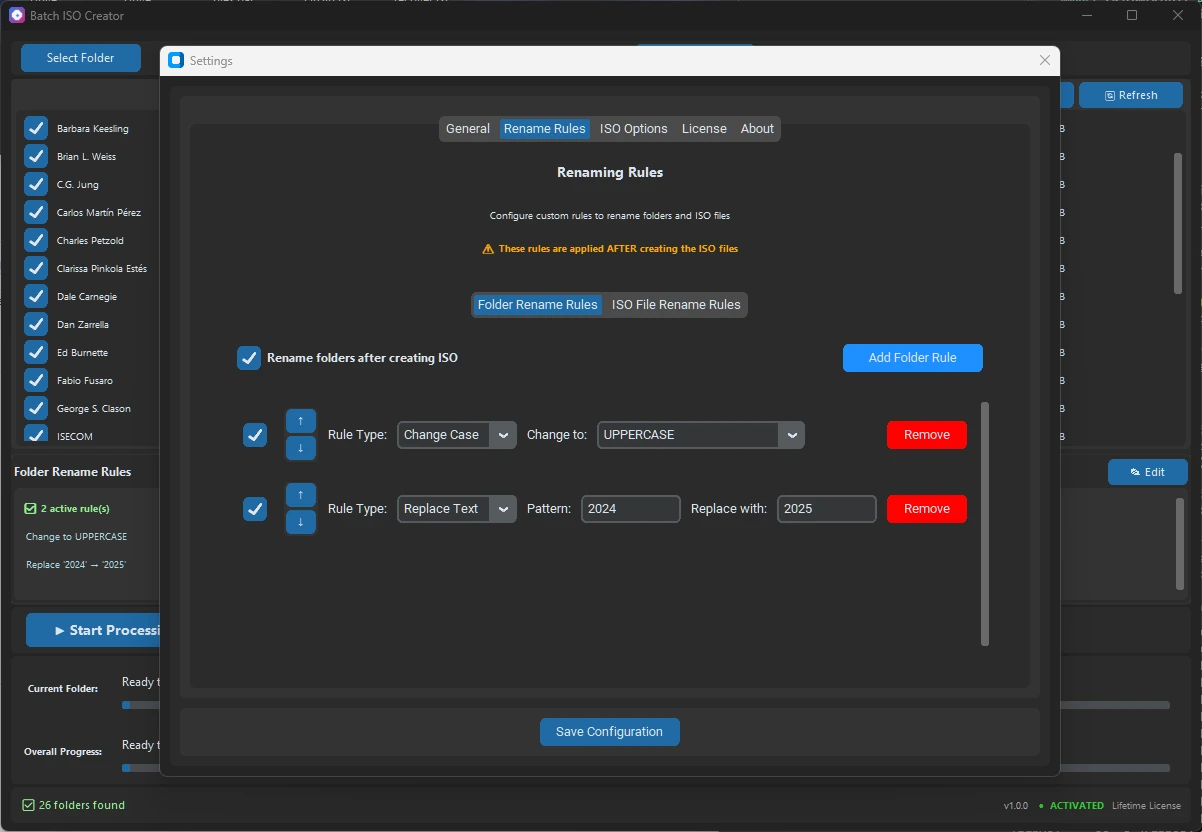
Short answer: use serialization rename rules when the order of folder and ISO names matters. Batch ISO Creator 3.0.0 supports serialization that can number folder and ISO names at the beginning, end, or a specific position, while keeping numbering synchronized when the processing list changes.
The cleanest workflow is to decide the numbering pattern before the batch run, create one representative ISO to check the result, then process the full folder set only after the sample name sorts correctly.
Why automatic numbering matters
Many folder-to-ISO jobs are not just individual files. They are sets: course modules, client handoff folders, monthly archive folders, numbered driver packs, VM lab images, or release folders. In those jobs, the ISO file name has to tell two stories at once: what the image contains and where it belongs in the sequence.
Manual numbering works for a small fixed set. It becomes fragile when the list changes. If you add a folder at the top, every following number may need to change. If you remove a folder, the sequence may contain a gap. If the folder and ISO names are edited separately, the two layers can drift apart.
Serialization rules reduce that cleanup. Instead of typing the number into each name, configure the position and let the rule apply consistently across the processing list.
Choose where the number should live
The right position depends on how people scan the output. A number at the beginning is best when file sorting is the priority. A number at the end keeps the project name first. A number in a specific position works when your team already has a strict naming convention.
| Number position | Best for | Example ISO name |
|---|---|---|
| Beginning | Course modules, ordered handoffs, training labs | 001_Client_Onboarding.iso |
| End | Driver packs or archives where the name should read first | WIN11_Lenovo_T14_001.iso |
| Specific position | Existing naming standards with a fixed project code | ACME_001_Release_3.0.0.iso |
If names are already messy before numbering, start with cleanup rules first. Replace repeated spaces, normalize separators, remove temporary words, and then serialize after the base name is stable. The rename rules guide covers that broader cleanup workflow.
Use numbering for folder names and ISO names
A useful sequence should make sense before and after ISO creation. If the source folder becomes 001_Client_Onboarding but the ISO becomes Client_Onboarding.iso, the connection is weaker. If the ISO is numbered but the folder is not, reviewing reports or source sets later can take longer.
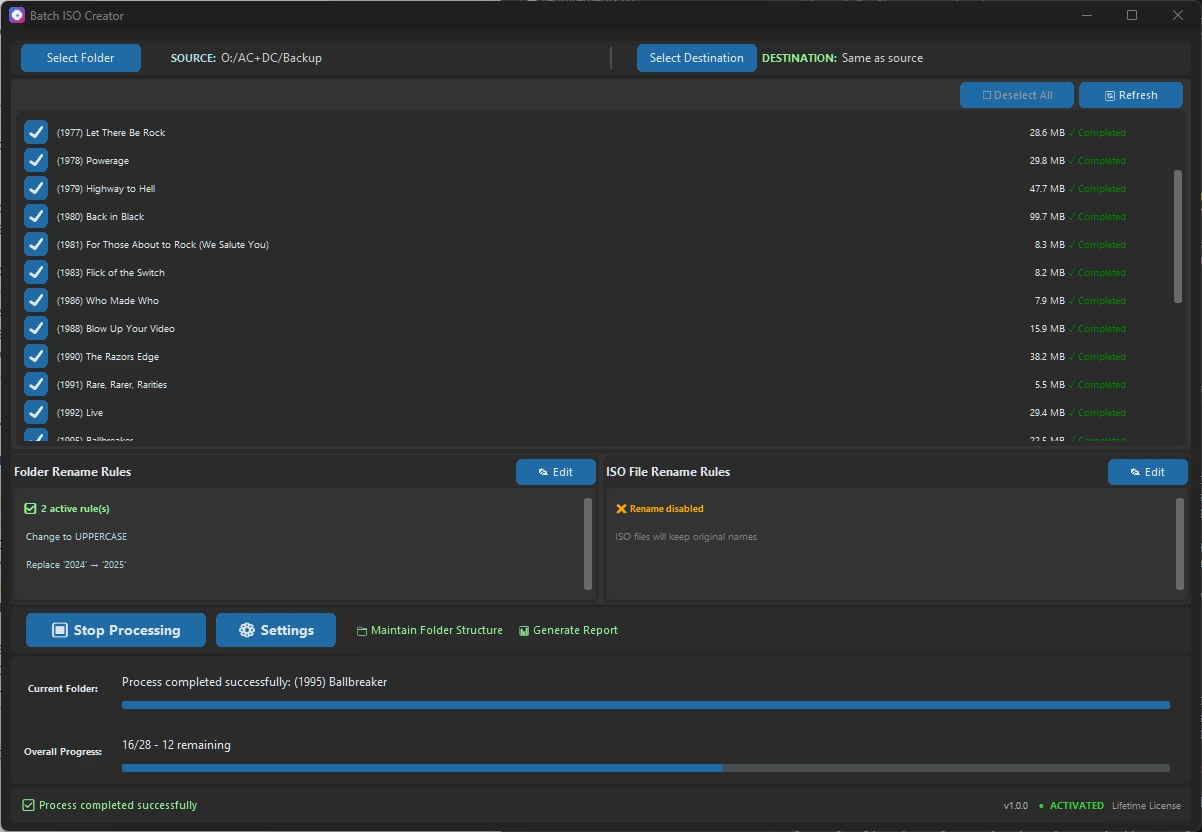
Batch ISO Creator release copy describes serialization for both folder and ISO names. That matters for batch work because the source list, generated ISO files, and operation reports are easier to compare when the same order appears everywhere.
Example numbering recipes
Use these as starting points, then adapt them to your own folder set. The important part is choosing a rule that still reads clearly after the ISO is mounted, copied, archived, or sent to someone else.
| Job | Input folder | Numbered ISO output |
|---|---|---|
| Client delivery | Onboarding Kit | 001_ACME_Onboarding_Kit.iso |
| Training course | Lab Files | MOD_003_Lab_Files.iso |
| Driver archive | Lenovo T14 | WIN11_Lenovo_T14_001.iso |
| Software release | Release Candidate | AppName_3.0.0_002_RC.iso |
For Windows-friendly output, keep the rest of the name boring: readable words, stable separators, clear dates or versions, and no temporary labels like final final. The Windows ISO file name rules checklist is a good companion when long names or Joliet compatibility are part of the job.
Test before the full batch
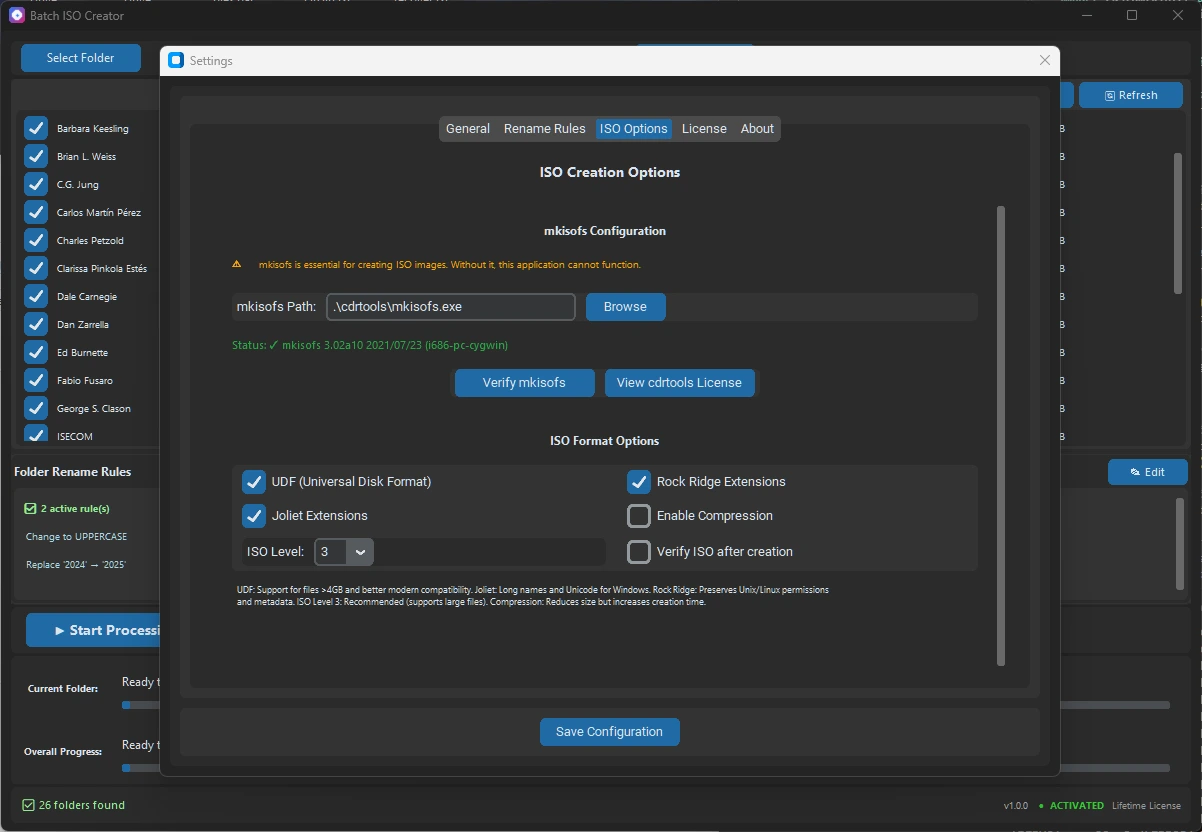
Do not discover a bad naming rule after creating a whole ISO set. Pick one representative folder and create a sample ISO first. Free mode lets you create 1 ISO per app session, which is enough to validate a numbering pattern before scaling to unlimited or repeated work.
- Choose a representative folder. Pick a folder with the same name structure and depth as the real set.
- Apply cleanup rules first. Normalize spaces, separators, case, and unwanted words before serializing.
- Add serialization. Decide whether the number belongs at the beginning, end, or a specific position.
- Create one ISO. Confirm the visible output name, mounted structure, and report entry.
- Process the full set. Move to Batch Mode when the sample sorts and reads correctly.
If you are still deciding whether to test in Folder Mode or process the full set in Batch Mode, read the Batch Mode vs Folder Mode guide.
Common numbering mistakes
The first mistake is numbering too early. If a source name still contains repeated spaces, mixed separators, or old temporary words, serialization only makes the messy name easier to sort. Clean the base name first, then add the sequence.
The second mistake is using a number that does not sort well. For more than nine items, use leading zeros: 001, 002, 003. That keeps Windows Explorer sorting predictable when the set grows past single digits.
The third mistake is treating the ISO file as the only thing that matters. If the source folder, ISO file, and report all use a different naming pattern, later review becomes slower. A synchronized serialization rule keeps the set easier to audit.
Recommended workflow
For repeated Windows folder-to-ISO jobs, the practical order is cleanup, serialization, sample, then batch. That keeps automatic numbering useful instead of cosmetic.
- Use cleanup rules to remove noise from source names.
- Use serialization when order matters across multiple folders or ISO files.
- Use beginning numbers for sorting, end numbers for readable project names, and specific-position numbers for strict team conventions.
- Use one sample ISO to verify the naming rule before a full run.
- Keep reports with the output when the numbered ISO set is a deliverable.
Create Numbered ISO Sets Without Manual Renaming
Download Batch ISO Creator to test one ISO in free mode, configure serialization rename rules, and move to Batch Mode when Windows folder sets need clean numbered output.
FAQ
How can I number ISO files automatically on Windows?
Use serialization rename rules before the batch run so folder and ISO names receive a consistent number at the beginning, end, or a specific position.
Should numbering go before or after the ISO name?
Use beginning numbers when sorting order matters, end numbers when the project name should stay first, and specific-position numbers when the team already has a strict naming convention.
Does serialization stay synchronized when the processing list changes?
Batch ISO Creator 3.0.0 release copy says serialization keeps numbering synchronized when the processing list changes.