Create ISO Archives for Offline Training Labs
Training material works best when students and instructors receive the same clean package. ISO files can make offline lab delivery easier to manage.
Offline training labs have a habit of growing. A simple course folder becomes a mix of installers, PDFs, sample databases, exercise files, screenshots, solution folders, and instructor notes. If the course repeats, the folder gets copied, renamed, changed, and copied again.
Packaging each lab or course module as an ISO file gives the material a clearer boundary. It can be mounted in Windows, attached to a virtual machine, stored as a versioned archive, or distributed as a single file.
Where ISO fits in a training workflow
| Training need | ISO advantage | Batch ISO Creator feature |
|---|---|---|
| One package per module | Each module becomes a single file | Batch Mode creates one ISO per folder |
| Consistent naming | Modules sort predictably | Rename rules add course codes, weeks, or versions |
| VM use | ISO files attach cleanly to many VM tools | Standard ISO output can be mounted after creation |
| Reusable archives | Old courses stay packaged and searchable | Reports help document the batch run |
Suggested folder layout
A good training ISO starts with a clean source folder. Keep each lab self-contained so the mounted ISO makes sense on its own.
D:\Course Kits
|-- SQL Lab Week 01
|-- SQL Lab Week 02
|-- Security Workshop Tools
|-- Instructor Files 2026
With rename rules, the output can become:
SQL_LAB_WEEK_01.iso
SQL_LAB_WEEK_02.iso
SECURITY_WORKSHOP_TOOLS.iso
INSTRUCTOR_FILES_2026.iso
Why batch creation matters for courses
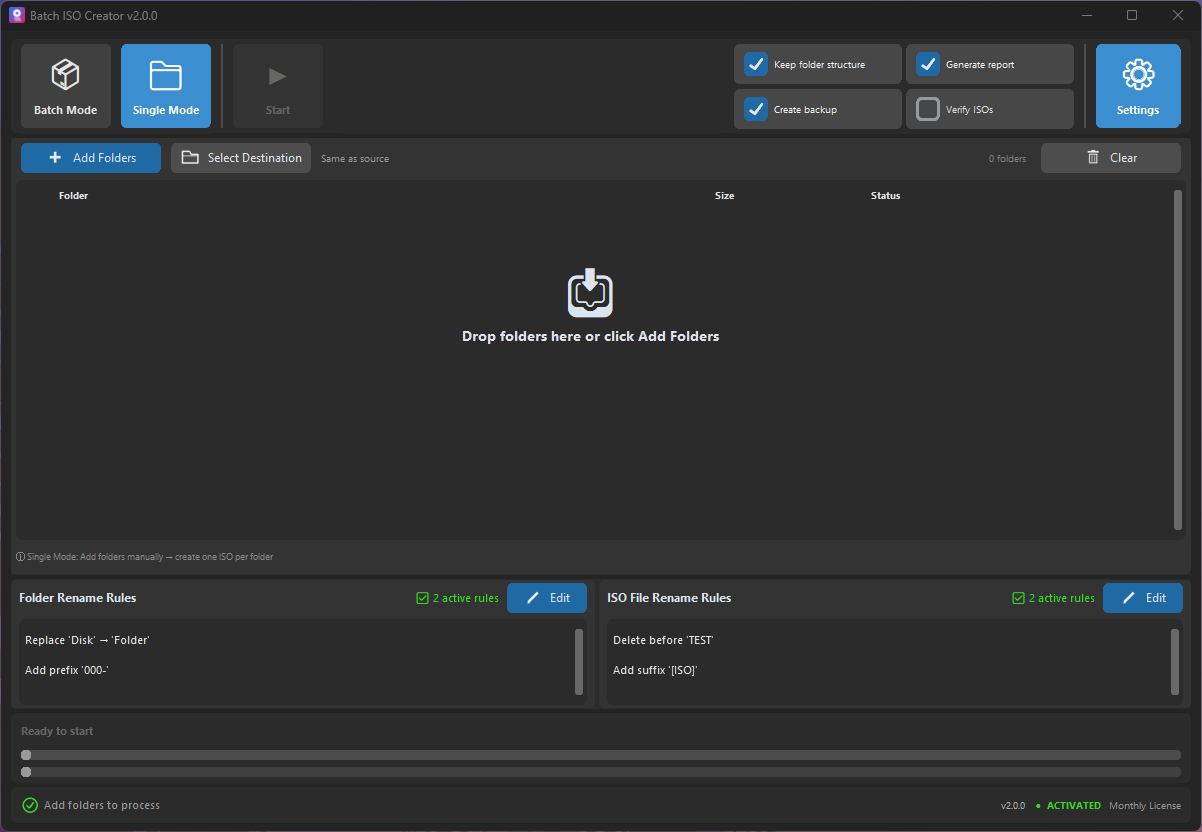
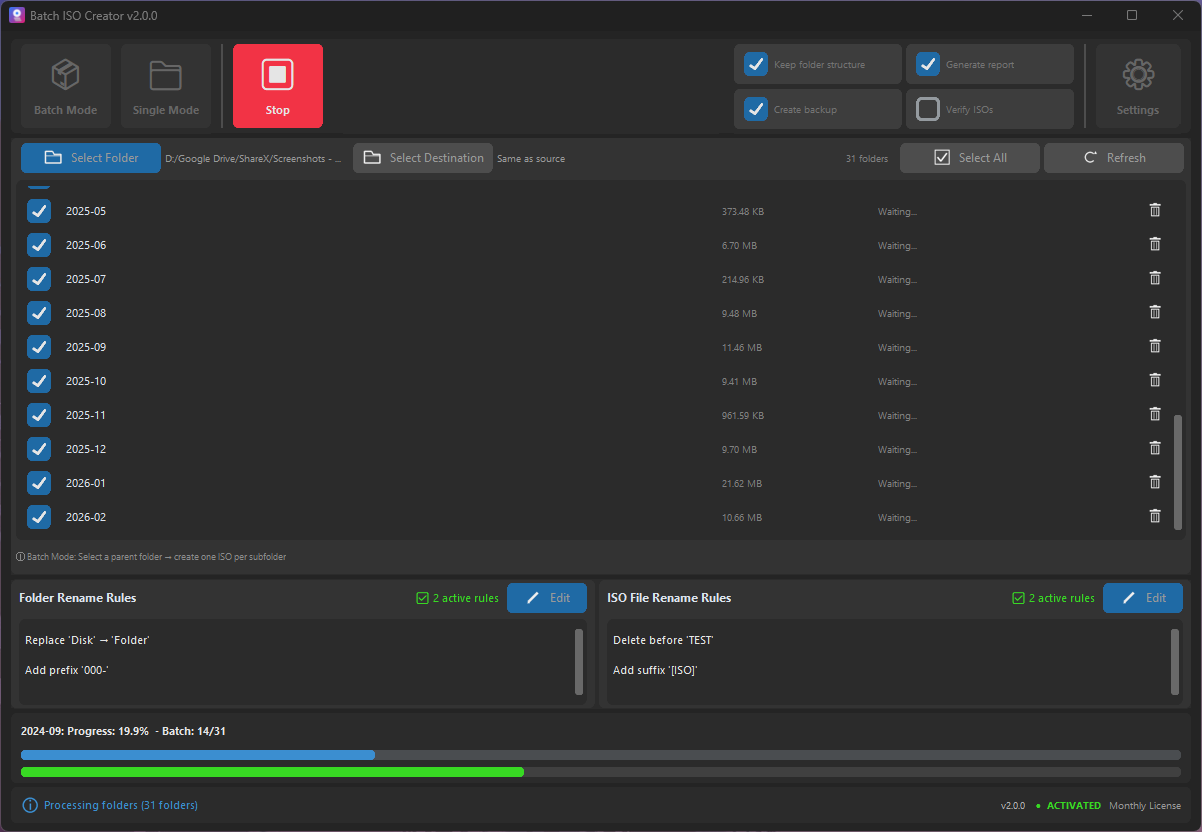
Course material often ships in sets. If you have ten labs, you do not want to create ten ISO files manually and then fix ten filenames afterward. Batch ISO Creator lets you treat the folder set as one job. Select the folders, choose output behavior, apply naming rules, and run the batch.
This is also helpful when an instructor updates a course every term. The same structure can be reused, and only the source folders change.
Naming rules for training material
A training archive should sort naturally. Add prefixes such as COURSE101_, use two-digit week numbers, and keep module labels consistent. Replace spaces with underscores if the files will be stored on shared drives or consumed by systems that prefer simple filenames.
Because Batch ISO Creator separates folder and ISO rename rules, you can keep source folders friendly for instructors while making the generated ISO files stricter for distribution.
ZIP vs ISO for course delivery
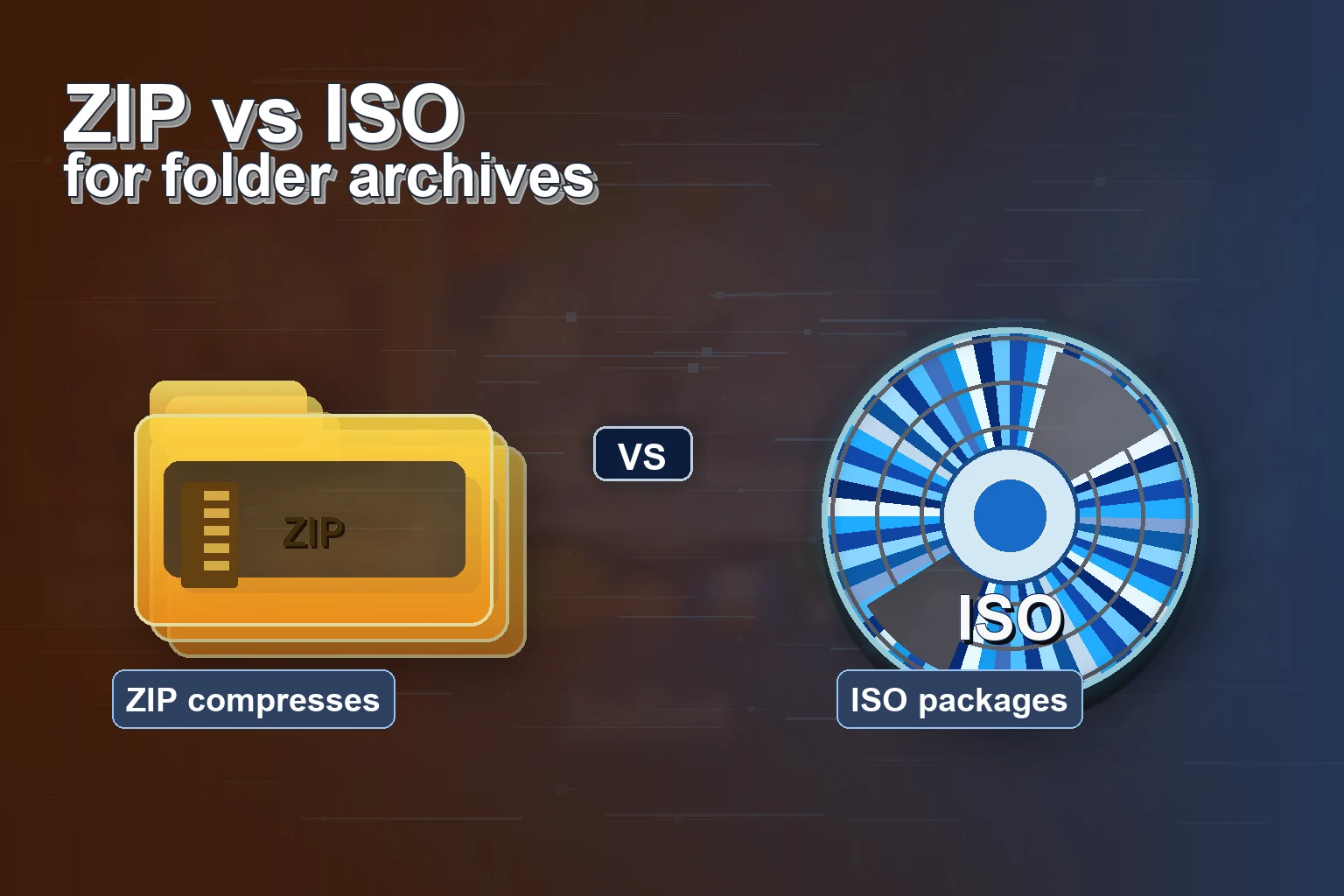
ZIP is still useful when compression is the priority. ISO is stronger when the package should be mounted, attached to a VM, burned, or preserved as a stable archive. Many teams use both: ZIP for quick transfer, ISO for the official training kit.
Turn Course Folders into Reusable ISO Kits
Use Batch ISO Creator to package offline labs, classroom modules, and workshop folders with batch processing, clean names, and reports.
FAQ
Are ISO files useful for training labs?
Yes. ISO files can package lab files, installers, documents, and sample data into one mountable archive.
Can Batch ISO Creator create one ISO per course folder?
Yes. Batch Mode can turn each selected course or lab folder into its own ISO file.
Should I use ZIP or ISO for training material?
Use ZIP when compression and quick sharing matter most. Use ISO when mountable structure, VM workflows, or archive consistency matter more.