AnyToISO Alternative for Batch Folder-to-ISO Work on Windows
AnyToISO is a handy converter when the problem is formats. Batch ISO Creator is the stronger fit when the problem is volume: many folders, clean names, and ISO files you can trust.
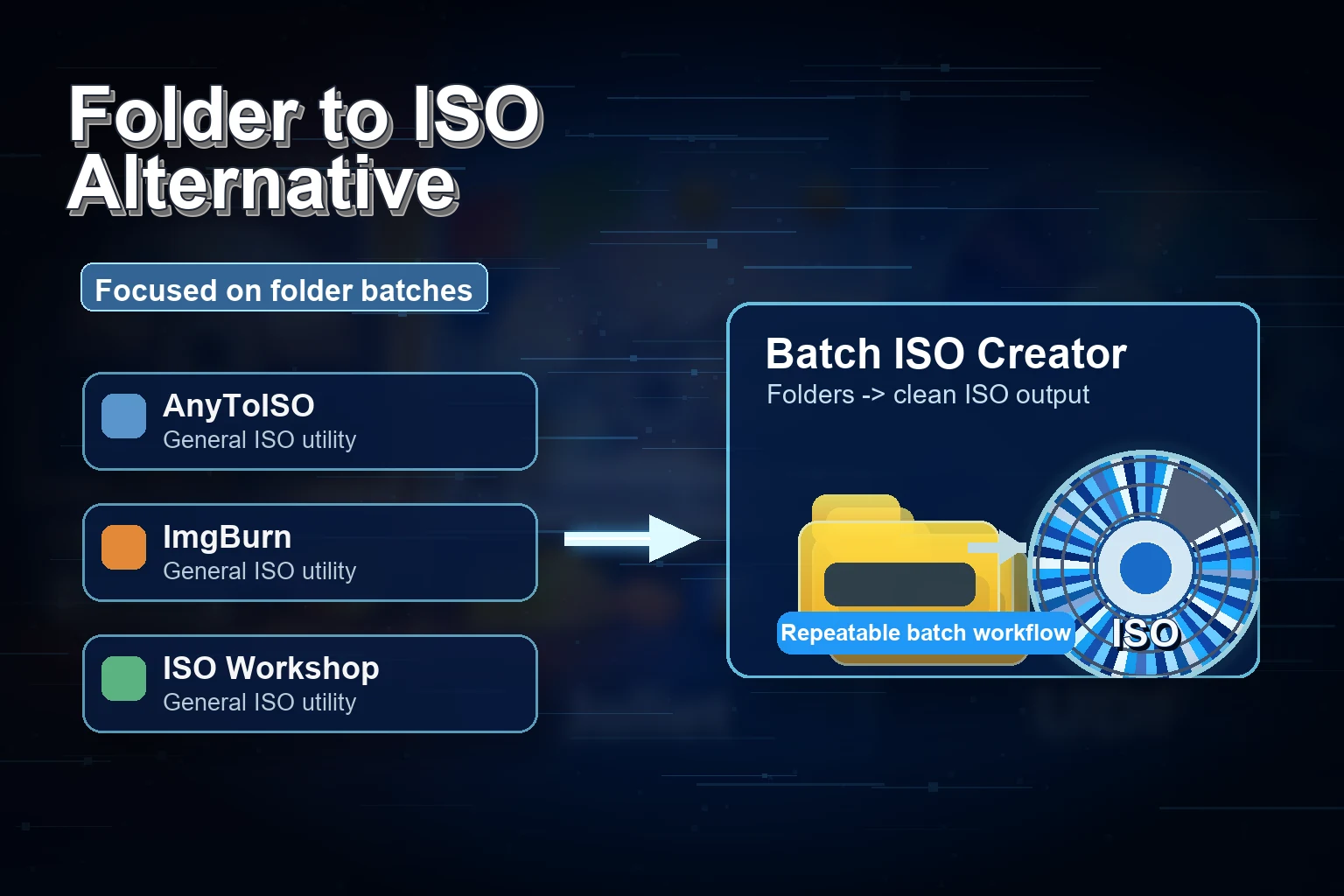
AnyToISO has a clear place in the ISO toolbox. CrystalIDEA's official documentation describes common jobs like extracting files from many archive and image formats, converting image formats to ISO, and creating ISO files from folders. The product also has a Lite edition limit and a Professional version for larger work. If your pain point is "I have a DMG, BIN, MDF, or other image/archive and need an ISO," AnyToISO is easy to understand.
But not every ISO problem is a format problem. Sometimes the problem is volume. You already have folders on Windows. You do not need to convert a strange image format. You need to package fifty folders, keep the generated names readable, review what happened, and move on with your day.
That is where Batch ISO Creator is easier to recommend. It narrows the job to the workflow buyers care about most: many folders to many ISO files, without scripting, with renaming and reports.
Bottom line: Use AnyToISO when you need broad image or archive conversion. Use Batch ISO Creator when you have a Windows folder set and want clean ISO output at scale.
Why "Folder to ISO" and "Image Conversion" Are Different Jobs
The search term "AnyToISO alternative" can mean two different things. One person wants to convert image formats. Another wants to create ISO files from folders. The second user is often a better fit for Batch ISO Creator.
Folder-to-ISO work is not just about accepting an input. It is about output discipline. Every generated ISO needs a name. Every folder may have a different naming style. Every batch can produce a mixture of success, warnings, or errors. And if the job comes back next month, you want the process to feel familiar.
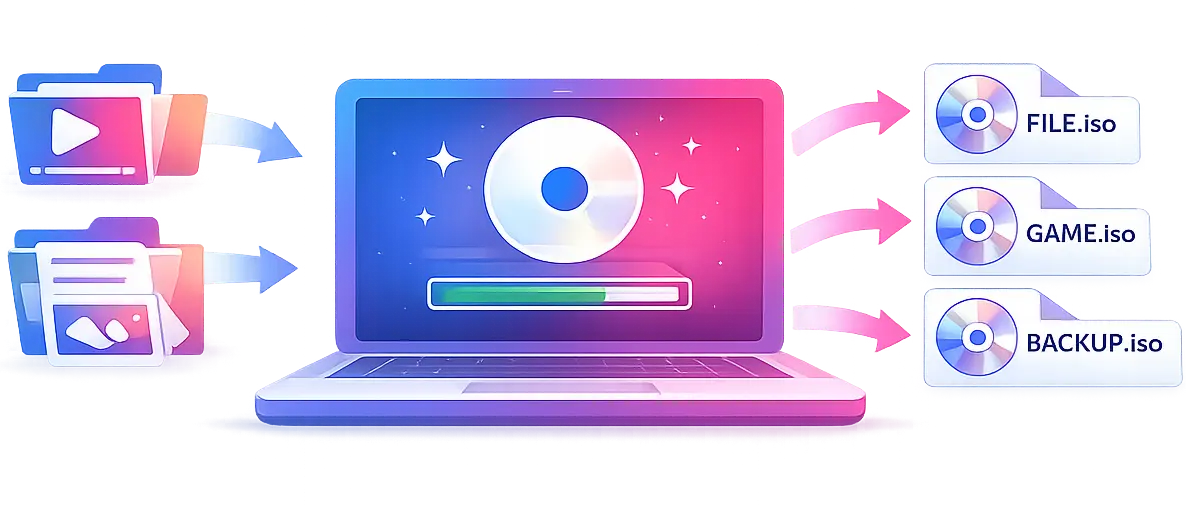
AnyToISO vs Batch ISO Creator
The fairest comparison is not "which product can do more unrelated things?" It is "which product is easier to sell to a Windows user who needs folder-to-ISO output in bulk?"
| Need | AnyToISO fit | Batch ISO Creator fit | Commercial framing |
|---|---|---|---|
| Convert image/archive formats to ISO | Strong fit for conversion-focused users | Focused on folder-to-ISO creation | AnyToISO is the converter; Batch ISO Creator is the batch folder packager. |
| Create ISO from Windows folders | Useful for straightforward folder creation | Purpose-built for repeated folder jobs | Batch ISO Creator is easier to position for recurring Windows work. |
| Process a folder library | Best for simple conversion flows | Batch mode for many folders in one run | This is the core buying reason. |
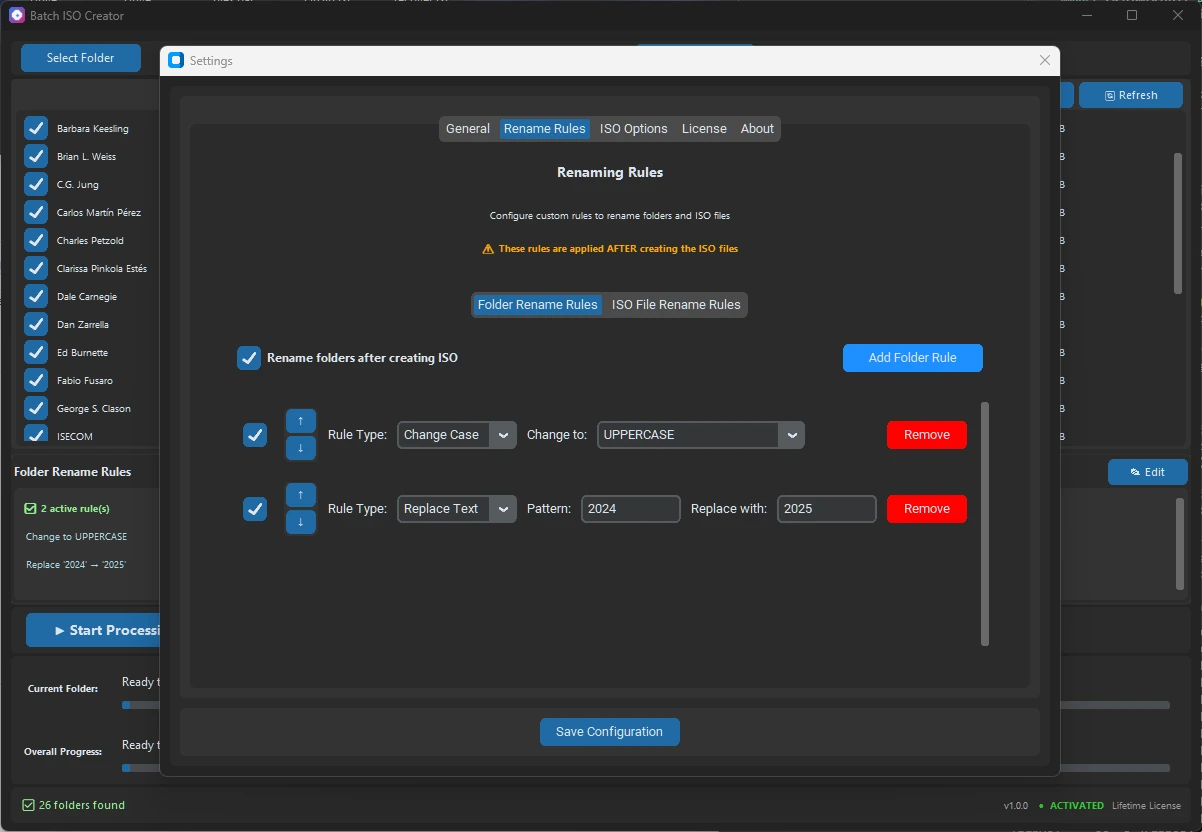
| Clean generated names | Best when folder names are already final | Rename rules, regex, case changes, prefix/suffix tools | Cleaner output creates perceived value immediately. |
| Review results | Simple conversion feedback | Progress, logs, and reports | Reports help buyers trust high-volume jobs. |
The Workflow That Sells
The best sales copy is anchored in a job the buyer recognizes. Here is the job Batch ISO Creator should own:
"I have a parent folder full of folders. I want each one turned into an ISO. I want the file names cleaned up. I want to know which ones worked. I do not want to write a script or repeat a wizard twenty times."
That is simple, specific, and commercial. It is also a better promise than trying to be every ISO tool at once.
Start from folders
The source material is already on disk. Batch ISO Creator does not make users think in terms of disc projects first.
Make output readable
Rename rules give the generated ISO library the kind of polish that users notice after the run.
Finish with confidence
Logs and reports move the workflow from "I hope it worked" to "I can see what happened."
A Practical Example
Suppose you are preparing an offline archive for a client or internal team. Your folder set looks like this:
D:\Client Delivery
|-- Accounting Tools
|-- HR Onboarding Pack
|-- IT Drivers and Utilities
|-- Training Videos 2026
With a purpose-built batch workflow, you can produce a clean output folder:
D:\ISO Delivery
|-- CLIENT_ACCOUNTING_TOOLS.iso
|-- CLIENT_HR_ONBOARDING_PACK.iso
|-- CLIENT_IT_DRIVERS_AND_UTILITIES.iso
|-- CLIENT_TRAINING_VIDEOS_2026.iso
The buyer sees the value immediately. The software did not just create an ISO. It created a cleaner deliverable.
When AnyToISO Is Still the Right Tool
If your main work is converting DMG, BIN, MDF, or other image/archive formats into ISO, AnyToISO is easy to recommend. It is known for that job, and CrystalIDEA documents it clearly. It also supports Windows and macOS, which matters for cross-platform users.
Batch ISO Creator's pitch is different. It is for Windows users who already have folders and want to generate ISO files in a controlled, repeatable way. That narrower positioning is not a weakness. It is the reason the product is easier to understand and easier to buy when the workflow matches.
Pricing: When a Focused Tool Is Worth Paying For
Batch ISO Creator's Special Anniversary Promo keeps the decision low-friction: $2.99/month, $19.99/year, or $59.99 lifetime. Since all plans include the full functionality, you can pick based on how often folder-to-ISO work appears in your life.
| Buyer type | Best plan | Reason |
|---|---|---|
| One-time archive cleanup | Monthly | Finish the batch job without overthinking it. |
| IT or release work throughout the year | Annual | Keep the workflow available for recurring projects. |
| Power user, archivist, or permanent workstation | Lifetime | Pay once and keep the batch tool ready. |
Choose the Tool That Matches the Job
If the job is format conversion, AnyToISO is useful. If the job is many Windows folders to many clean ISO files, Batch ISO Creator is the focused tool built for that exact workflow.
FAQ
Is Batch ISO Creator an AnyToISO clone?
No. Batch ISO Creator is not trying to be a universal image converter. It is focused on Windows folder-to-ISO workflows, especially batch jobs with naming and reporting needs.
What if I need both format conversion and batch folder packaging?
Use the right tool for each job. AnyToISO is useful for broad format conversion. Batch ISO Creator is the better fit when the input is a folder library and the desired output is many clean ISO files.
Does Batch ISO Creator require scripting?
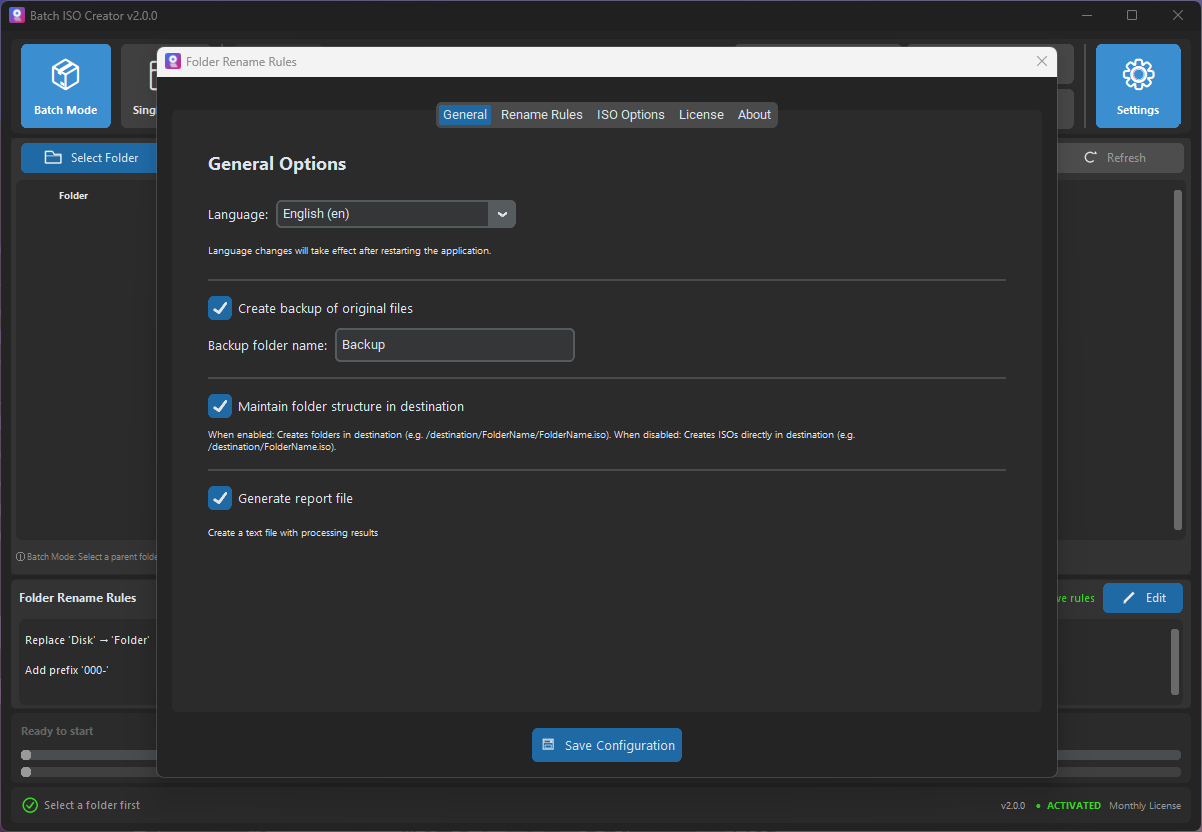
No. The point is to avoid script-building for common batch ISO jobs. You can use the GUI, set rules, and run the batch.
Research Notes
This article references CrystalIDEA's official AnyToISO pages for product overview, folder-to-ISO creation, and format extraction and conversion.