How to Rename Folders After Creating ISO Files
ISO file names get most of the attention, but folder names matter too. Batch ISO Creator lets you treat folder cleanup as a separate rule set.
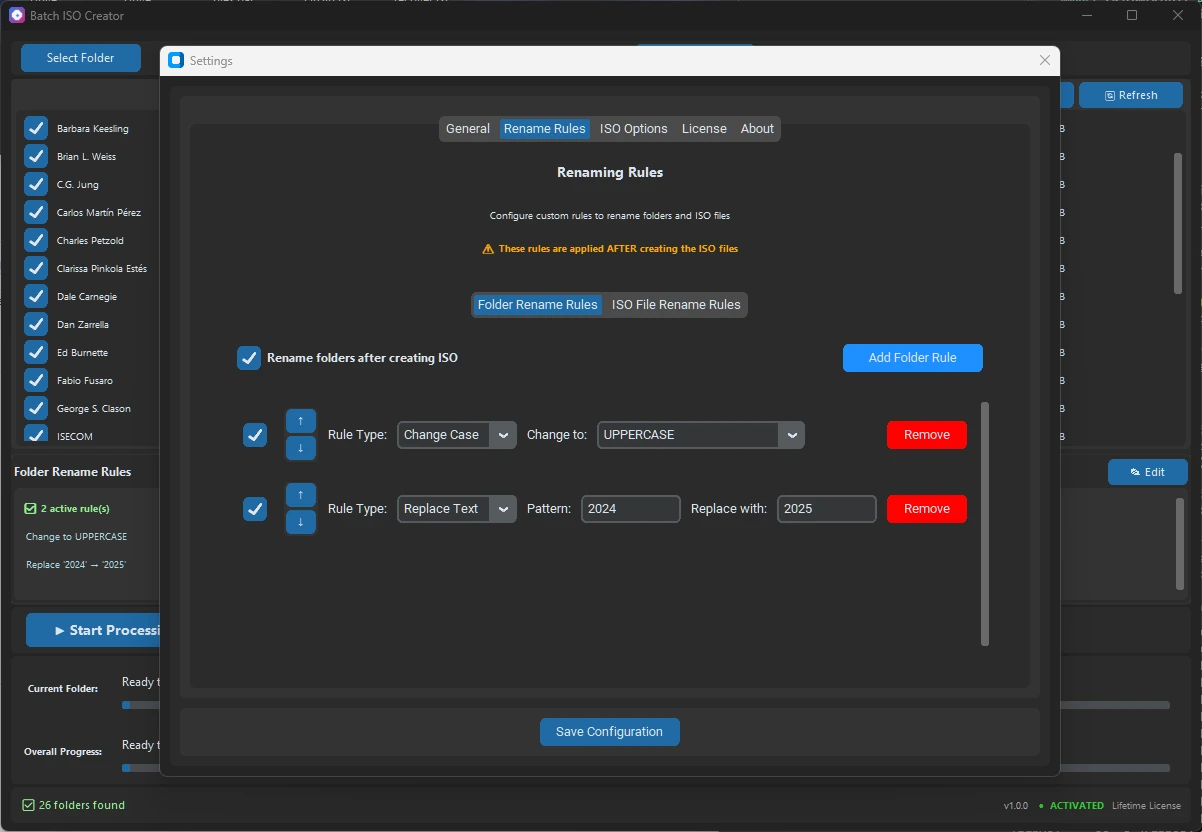
Most folder-to-ISO workflows focus on the ISO filename. That makes sense because the ISO file is the deliverable. But folder names can matter too, especially when the destination keeps folder structure or when the source folders need to be cleaned after the ISO is generated.
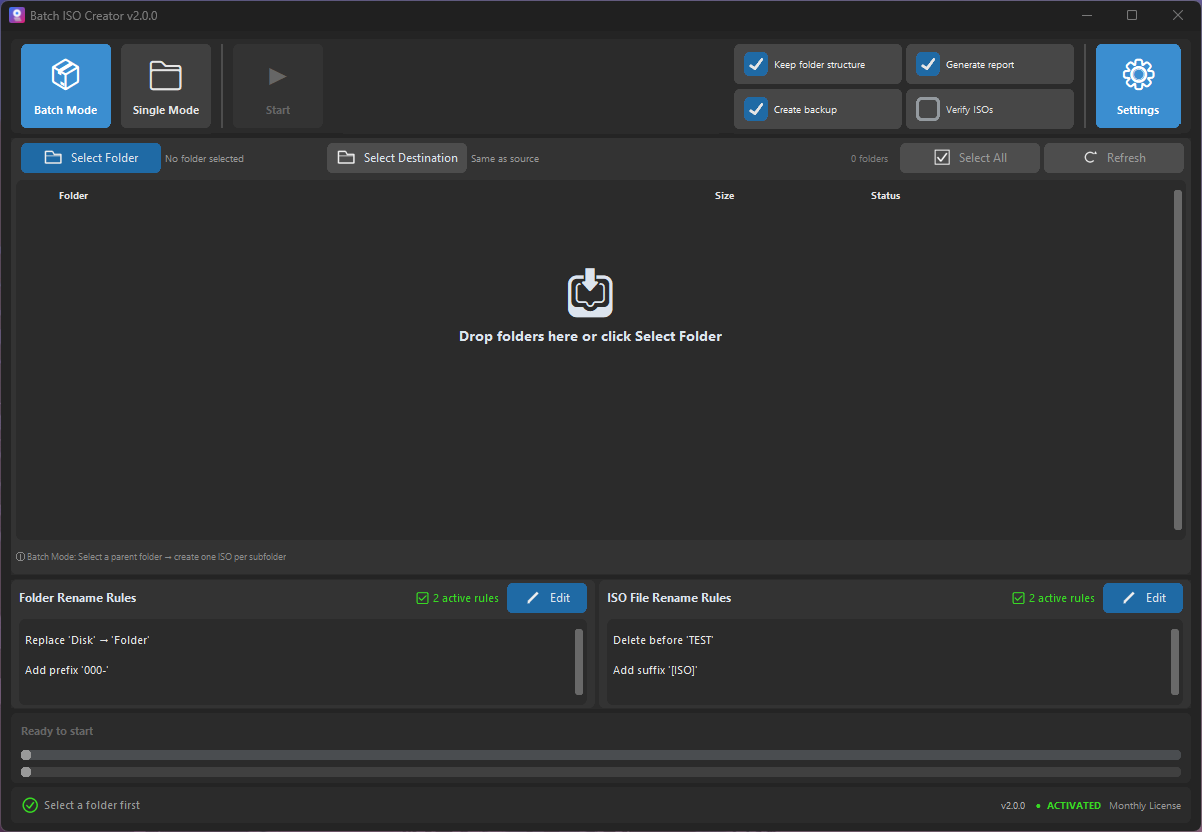
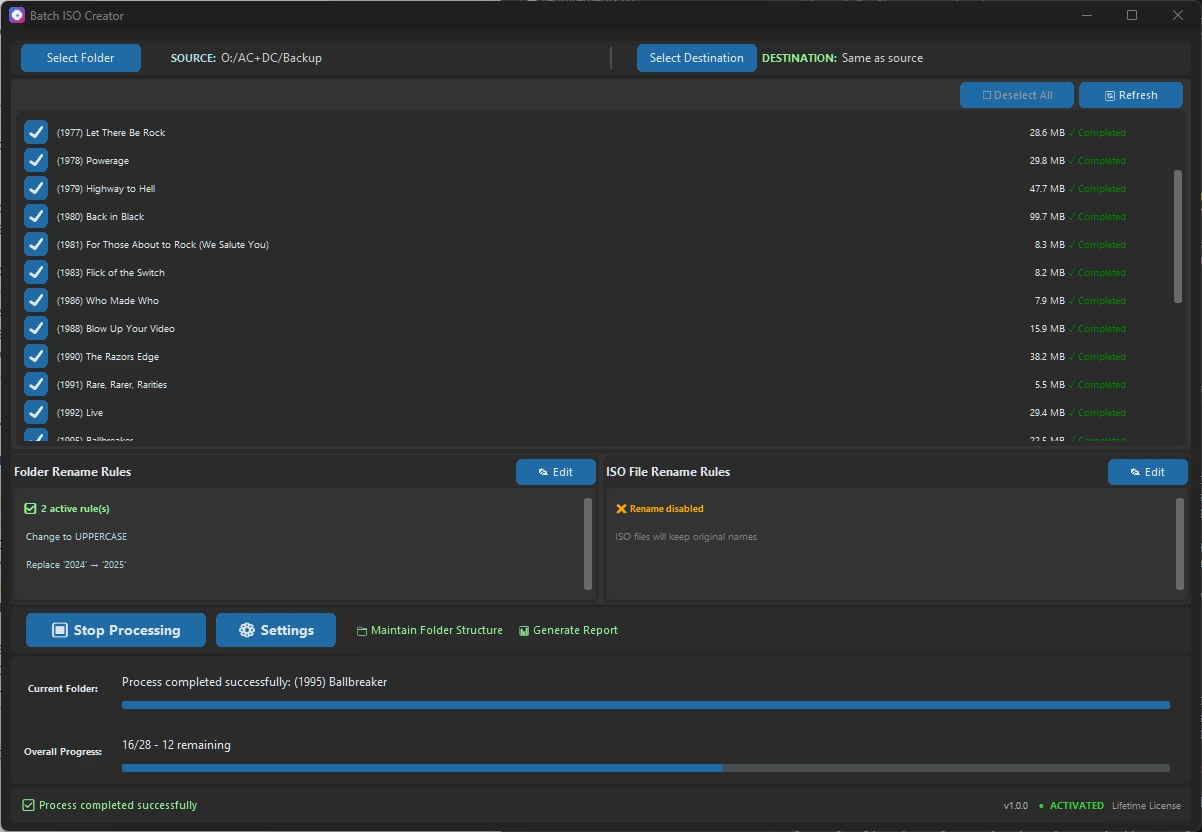
Batch ISO Creator includes Folder Rename Rules as their own section. That means you can decide whether folder cleanup should happen, which rules should apply, and how folder rules should differ from ISO file rules.
Key distinction: Folder Rename Rules are for folders. ISO File Rename Rules are for generated ISO files. They can match, but they do not have to.
Why rename folders after ISO creation?
There are a few practical reasons. You might want output folders to match a clean archive convention. You might want to remove temporary labels after the ISO has been created. You might keep a destination structure like D:\Output\FolderName\FolderName.iso and want both layers to be readable.
| Situation | Folder rule benefit | Example |
|---|---|---|
| Destination folders are kept | Output directories look clean | Client A Final to CLIENT_A_FINAL |
| Source names contain temporary labels | Remove labels after packaging | Remove draft or copy |
| Archive standards require strict names | Folders and ISO files follow a convention | Add prefix ARCHIVE_ |
| Folders come from many users | Normalize mixed styles | Replace spaces, dots, and hyphens consistently |
How folder rules differ from ISO rules
ISO rules are usually about the final file a user will download, mount, store, or deliver. Folder rules are about the directories around that file. In some workflows, you only care about ISO file names. In others, especially maintained destination structures, folder names are part of the deliverable organization.
The app gives each section its own enable toggle. That is important because you may want ISO renaming enabled while folder renaming stays off, or the reverse. The rule lists are also separate, so you can add a suffix to ISO files without changing folder names.
Folder cleanup examples
Before folder cleanup
Client A - Final Copy
client.b.release
Project Apollo [old]

After folder cleanup
CLIENT_A_FINAL
CLIENT_B_RELEASE
PROJECT_APOLLO
A practical sequence might be: remove Copy, remove bracketed tags with regex, replace dots and spaces with underscores, then change case to uppercase. If every output folder belongs to the same client, add a prefix. If every folder is an archive, add a suffix.
Rule order for folder names
Use the same principle as ISO file cleanup: remove clutter first, normalize separators second, add prefixes or suffixes third, and case conversion near the end. This keeps the final result predictable.
If a regex rule is involved, test it on a small batch. Regex is powerful, but simple replace and remove rules are often easier to reason about and safer for non-technical users.
When to leave folder renaming off
Leave folder renaming disabled if the source folder names must remain exactly as they are, if another system depends on those names, or if you only care about the generated ISO file. The feature is valuable because it is optional and separate.
Clean Folder Names and ISO Names Separately
Use Batch ISO Creator when your output needs more than ISO creation: folder cleanup, ISO filename rules, and a batch workflow that keeps the final library readable.
FAQ
Can Batch ISO Creator rename folders after creating ISO files?
Yes. Folder Rename Rules can be enabled and applied after ISO creation.
Are folder rename rules different from ISO rename rules?
Yes. Folder Rename Rules and ISO File Rename Rules are separate sections with separate enable toggles.
What folder rename rules can I use?
You can use replace, remove, regex, case conversion, prefix, suffix, insert, and delete rules for folder cleanup.