How to Package Software Release Folders as ISO Files
A release folder is not finished until someone can open it later and understand what it contains. ISO packaging can make that easier.
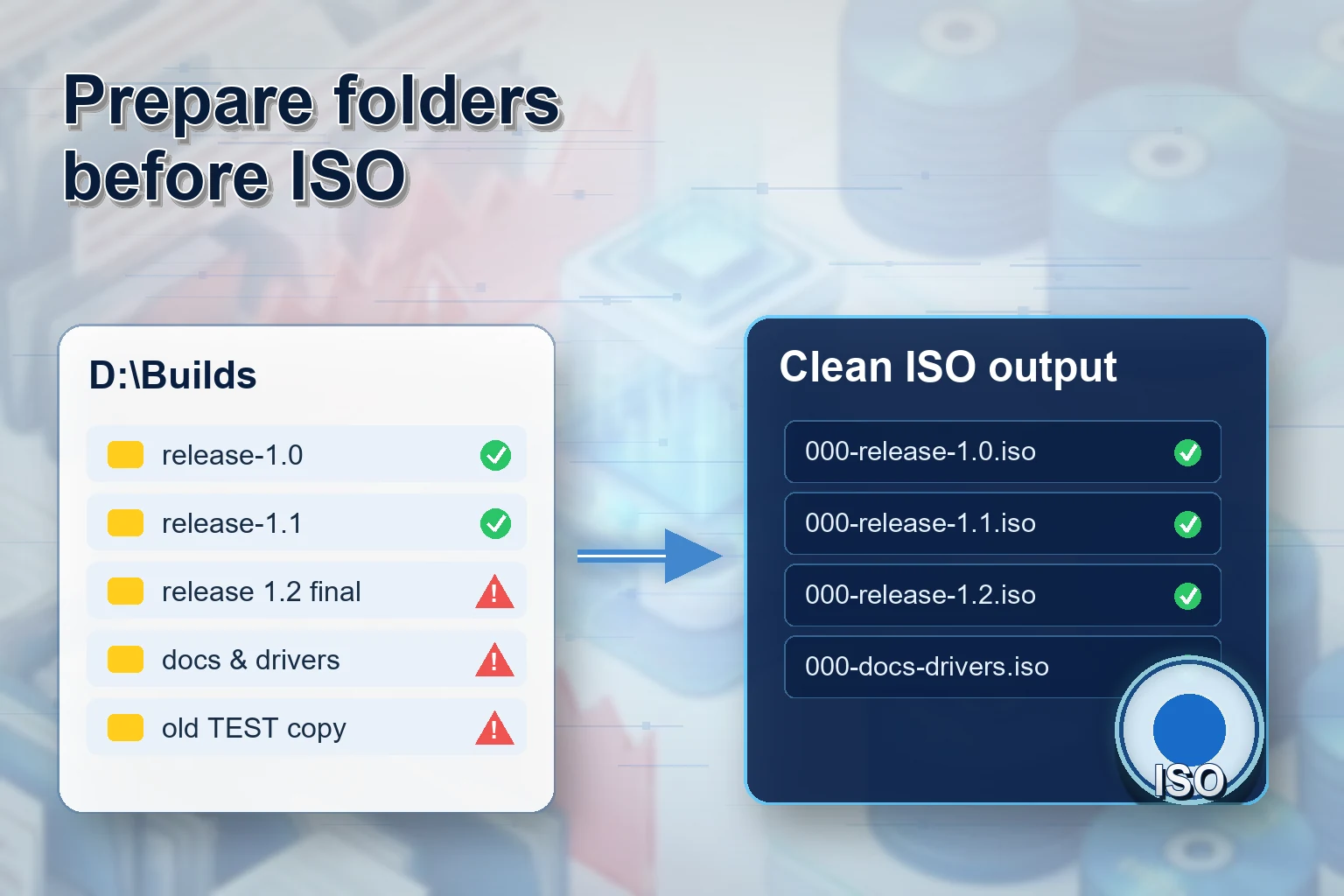
Software release folders collect everything that makes a build usable: installers, readme files, checksums, licenses, scripts, driver dependencies, offline documentation, and sometimes customer-specific extras. Leaving those files as a loose folder can be fine internally, but for archive and handoff work, an ISO file often gives the release a cleaner boundary.
Batch ISO Creator is useful when you have more than one release folder to package, or when the release names need to follow a convention that a generic ISO tool will not enforce for you.
Why package a release folder as ISO?
| Need | How ISO helps | Where Batch ISO Creator helps |
|---|---|---|
| Release snapshot | Packages files in a mountable image | Creates standard ISO files from release folders |
| Many versions | Each version gets its own file | Batch Mode creates one ISO per selected folder |
| Consistent names | Versioned files are easier to sort | Rename rules enforce prefixes, suffixes, case, and replacements |
| Audit trail | The package can be stored with supporting records | Reports show processing results and settings |
Recommended release folder structure
Before creating ISO files, make each release folder self-contained. Do not rely on files outside the folder unless the ISO is only for internal use and everyone understands the dependency.
D:\Releases
|-- AppName 4.2.0 Stable
|   |-- installer
|   |-- docs
|   |-- checksums
|   |-- README.txt
|-- AppName 4.3.0 Beta
|-- AppName 4.3.1 Hotfix
After batch creation and naming cleanup, the output can become:
APPNAME_4_2_0_STABLE.iso
APPNAME_4_3_0_BETA.iso
APPNAME_4_3_1_HOTFIX.iso
Use rename rules for version discipline
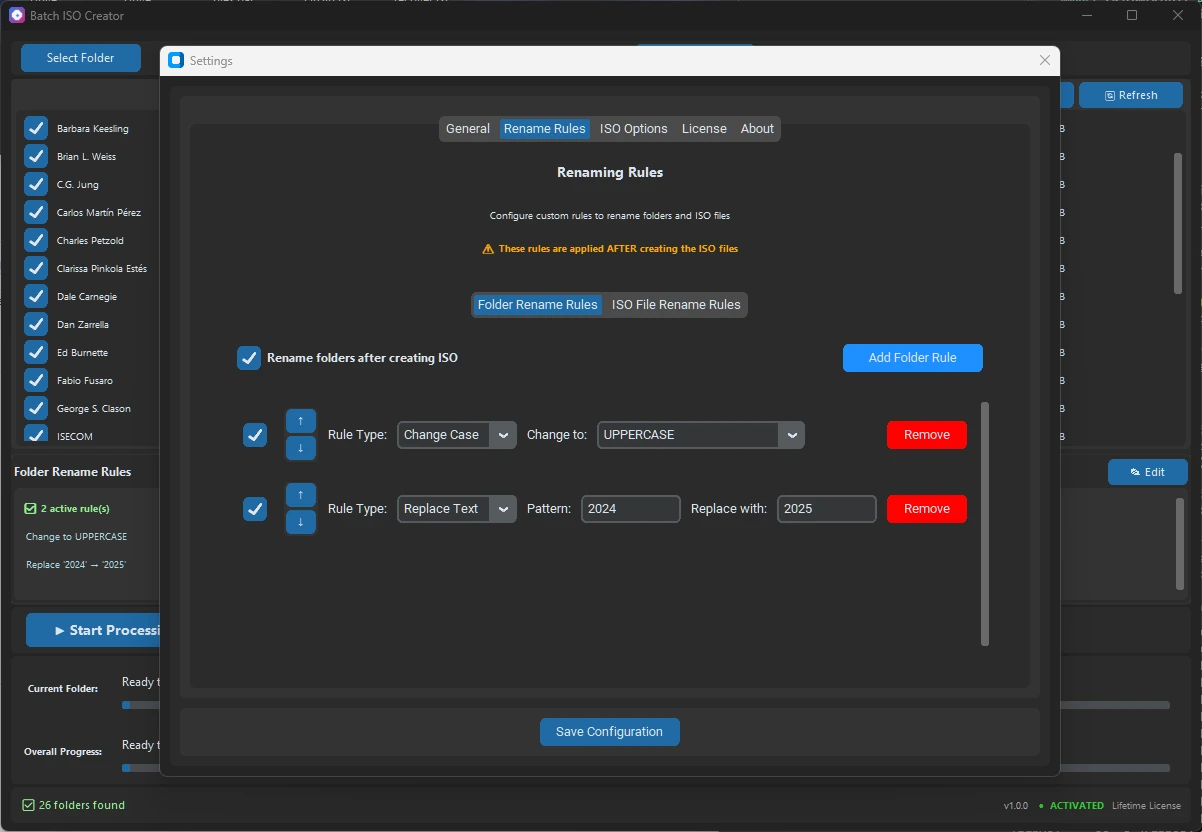
Versioned releases are a perfect use case for rules. Replace spaces with underscores. Replace dots only where you want them changed. Add a product prefix when folders are named only by version. Add a suffix such as _OFFLINE when the ISO is meant for offline installation. Use uppercase if your archive standard prefers it.
For more advanced cleanup, regex can help remove inconsistent labels such as final, new, or temporary build tags. The point is not to make the naming clever. The point is to make it boring in the best way: predictable every time.
Choose ISO options deliberately
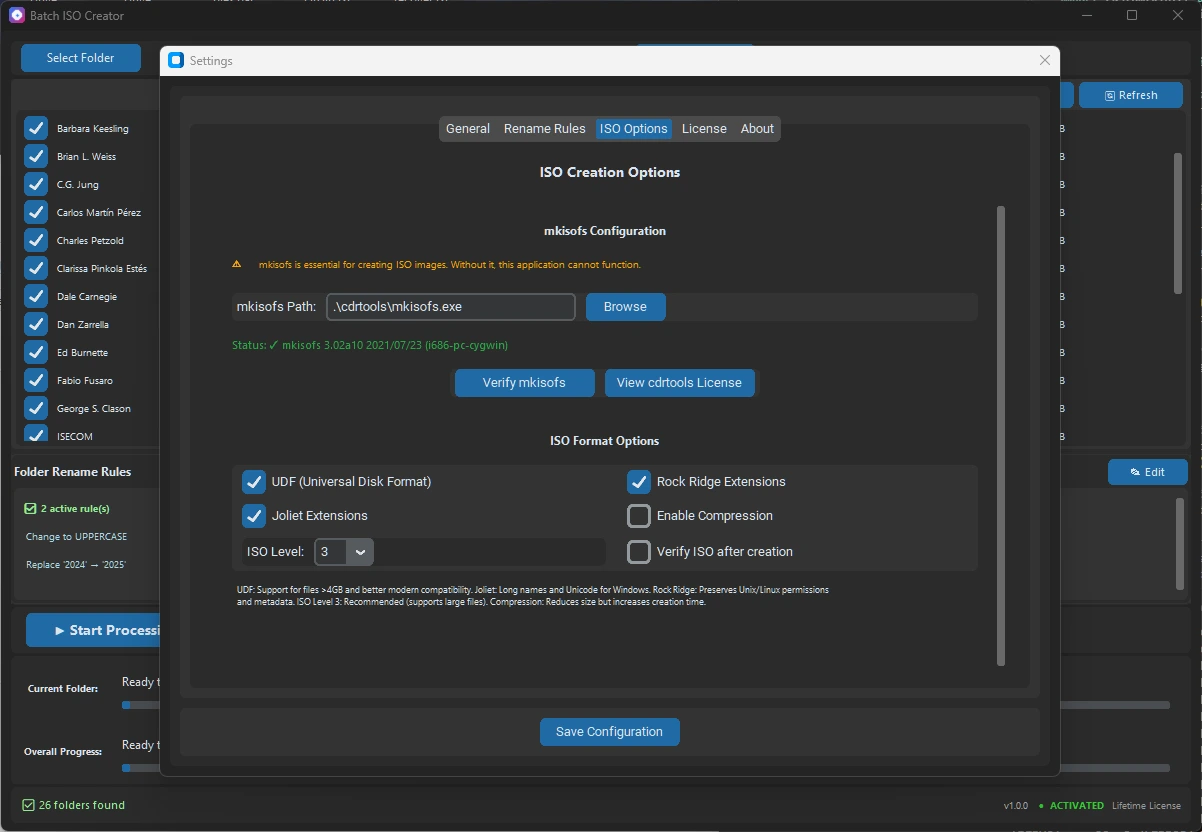
Software releases can contain large installers and long Windows filenames. UDF is useful for files larger than 4 GB. Joliet helps with Windows long names and Unicode. Rock Ridge matters more if Unix/Linux metadata should be preserved. Verification after creation takes more time, but it is sensible when the release package is going into long-term storage or customer delivery.
Make the output reviewable
When a release folder becomes a deliverable, a report is not just a nice extra. It gives you a record of the run, the settings, the folder names, the output names, and any warnings or errors. If someone asks what happened during packaging, you are not relying on memory.
This is the subtle sales point: Batch ISO Creator makes release packaging feel like a process instead of a favor you do manually at the end of a busy day.
Package Releases with Cleaner Names and Records
Use Batch ISO Creator to turn release folders into versioned ISO files with batch processing, rename rules, destination control, verification, and reports.
FAQ
Is ISO useful for software release folders?
Yes. ISO files are useful when a release folder should stay packaged as a mountable, portable snapshot.
Can Batch ISO Creator handle multiple releases at once?
Yes. Batch Mode can process a folder set so each release folder becomes its own ISO file.
How should release ISO files be named?
Use a consistent convention such as PRODUCT_VERSION_CHANNEL_DATE.iso and enforce it with rename rules.