Batch ISO Creator for IT Technicians: Clean Offline Kits
IT work is full of folder sets that need to be portable, readable, and easy to reopen later. ISO files are a practical format for that job.
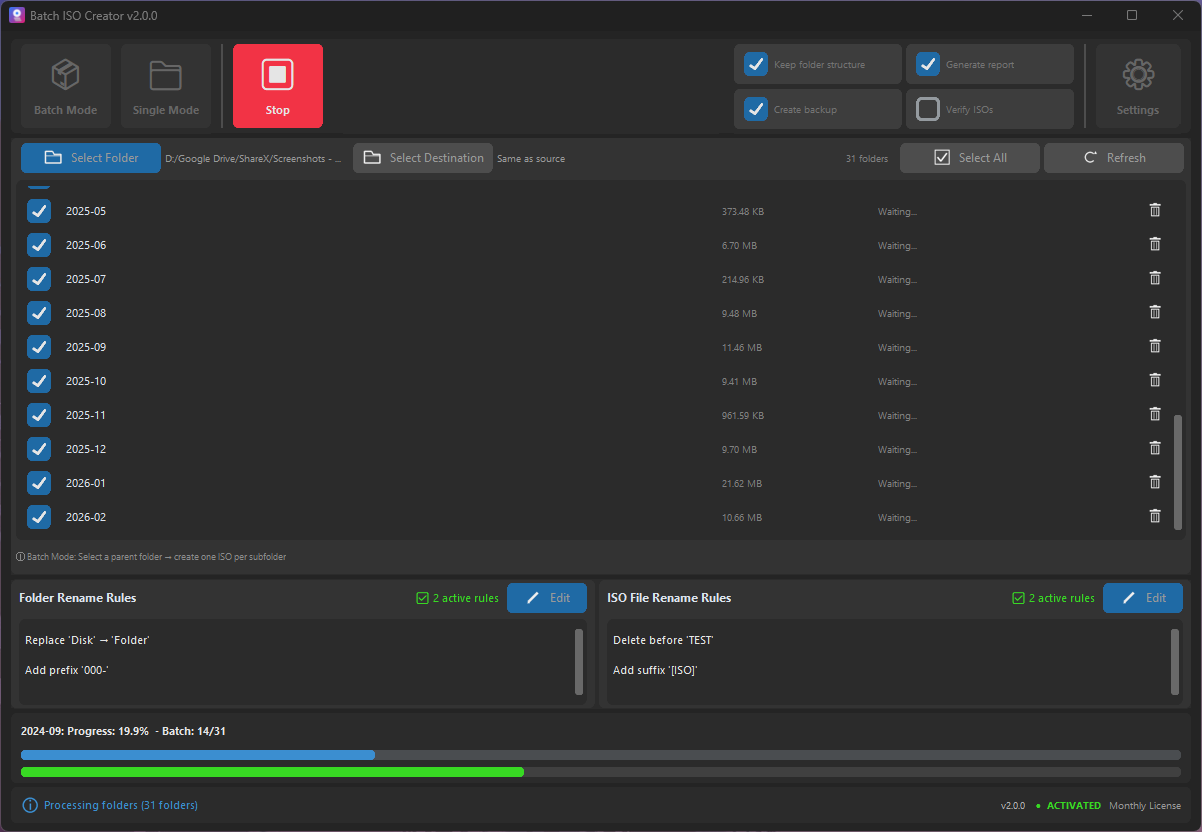
An IT technician rarely packages one perfect folder. The real folder library is messier: drivers by model, offline installers by vendor, support utilities by task, firmware notes, scripts, PDFs, and emergency files that need to stay together. ZIP can work, but ISO has a few practical advantages when the kit needs to be mounted, attached to a virtual machine, burned, stored, or handed off.
Batch ISO Creator is a strong fit for this work because it focuses on two things technicians feel immediately: creating many ISO files from folders and cleaning the names so those files are easy to identify later.
Simple use case: Put each driver pack, installer bundle, or support kit in its own folder, then use Batch Mode to create one ISO file per folder.
What IT folders are good ISO candidates?
| Folder type | Why ISO helps | Suggested naming convention |
|---|---|---|
| Driver packs | Easy to mount in Windows or attach to VM workflows | DRIVERS_VENDOR_MODEL_DATE.iso |
| Offline installers | Keeps installers, readme files, and checksums together | INSTALLERS_DEPARTMENT_VERSION.iso |
| Recovery kits | Useful for repeat support procedures and field work | RECOVERY_KIT_CLIENT_DATE.iso |
| Training labs | Preserves a complete lab package for students or staff | LAB_WEEK_01.iso |
| Legacy software archives | Keeps older support material in a mountable package | LEGACY_APP_VERSION.iso |
The batch advantage for IT work
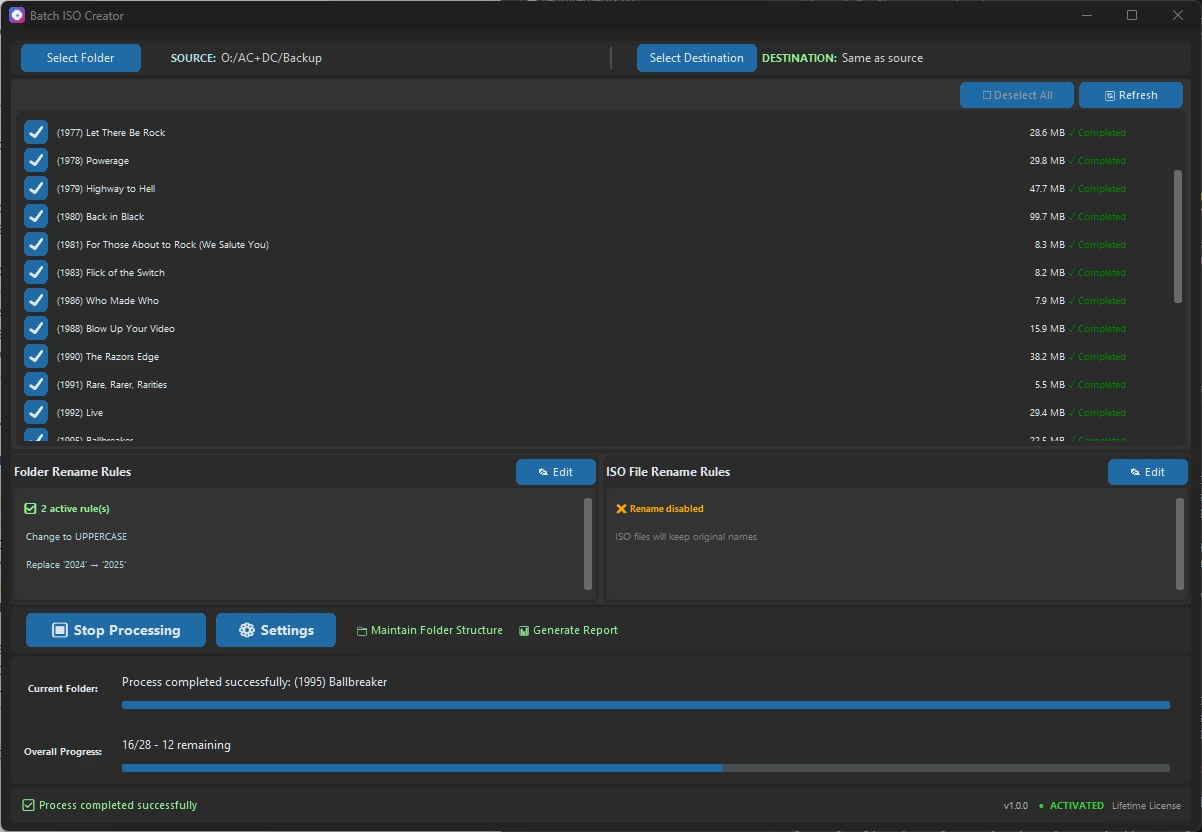
Batch Mode saves time when the same packaging task repeats across many folders. You can drag folders into the app, select the folder set, decide destination behavior, and run the conversion with progress visible. If the parent folder contains twenty driver packs, the batch workflow keeps the job in one place instead of making you babysit twenty separate ISO operations.
That matters because IT work often happens under time pressure. The value is not a flashy feature list. The value is that a technician can package a folder library, verify the results, and move on to the next task without manually naming every ISO file.
Rename rules make the kit searchable
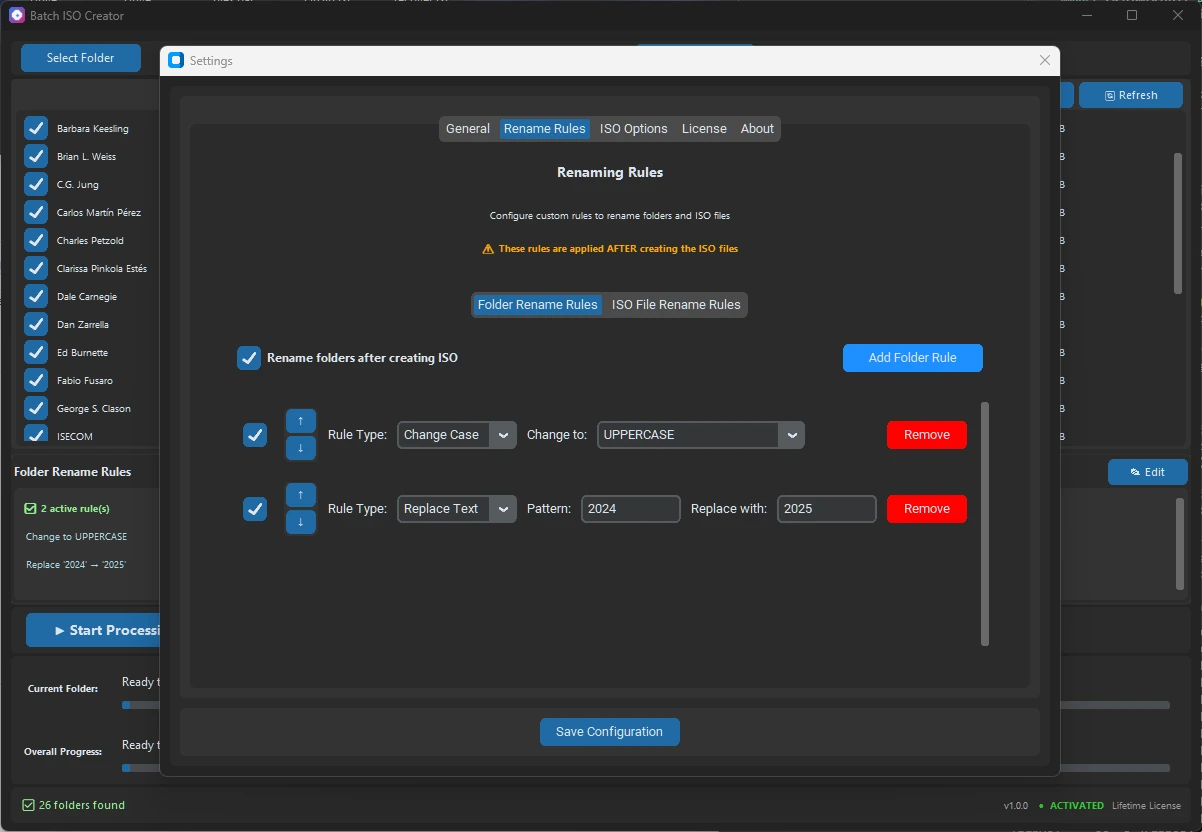
Driver and utility folder names often come from downloads, vendor portals, ticket systems, or older technicians. Names can be inconsistent: spaces, dots, build numbers, mixed case, random vendor suffixes, and internal notes. Batch ISO Creator rename rules help turn that into a clear archive.
Before
lenovo t14 drivers final
Dell.Optiplex.7090.Tools
HP Elitebook - Recovery Pack

After
DRIVERS_LENOVO_T14.iso
TOOLS_DELL_OPTIPLEX_7090.iso
RECOVERY_HP_ELITEBOOK.iso
You can create this kind of output with replace rules, case conversion, prefixes, suffixes, and regex when a pattern needs more power. The app also keeps folder and ISO rename rules separate, which is useful when you want to preserve source folder readability but enforce stricter ISO filenames.
Settings technicians should notice
For IT use, a few options deserve attention. UDF helps with files larger than 4 GB and modern compatibility. Joliet supports Windows long filenames and Unicode. Rock Ridge can preserve Unix/Linux metadata when that matters. ISO Level 3 is a sensible default for many modern folder sets. Verification is slower, but worth considering for deliverables that will be reused later.
Destination options also matter. Keeping folder structure in the destination can make audits easier because each output folder contains its corresponding ISO file. Creating ISOs directly in a destination folder is cleaner when the output directory is already dedicated to final deliverables.
Where the purchase makes sense
Batch ISO Creator is not trying to replace every utility on an IT machine. Keep your dedicated imaging, burning, and command-line tools. Batch ISO Creator fits beside them as the focused folder-to-ISO tool for repeated packaging work, with built-in ISO Mounting when you need to check an image quickly.
If one project needs hundreds of folders packaged into clean ISO files, the monthly plan is enough to justify the time saved. If this comes back every quarter, the annual or lifetime plan is the simpler choice.
Package IT Folder Kits Faster
Use Batch ISO Creator to convert driver packs, installer folders, and support kits into clean ISO files with naming rules, progress, and reports.
FAQ
Is Batch ISO Creator useful for IT technicians?
Yes. It is useful when technicians need to package driver packs, offline installers, recovery kits, or tool folders as clean ISO files.
Does the app mount ISOs?
Yes. Batch ISO Creator includes ISO Mounting to mount, open, and unmount ISO images directly from the app. For larger collections, ISO Library helps keep ISO files organized in a licensed workflow.
Can reports help with IT handoffs?
Yes. Reports provide a record of what was processed, which settings were active, and where output files were generated.