One folder set in, clean ISO files out
Batch ISO Creator is built for the workflow that wastes the most time in generic ISO tools: turning many folders into many ISO images while keeping filenames readable, progress visible, and the finished batch easy to review.
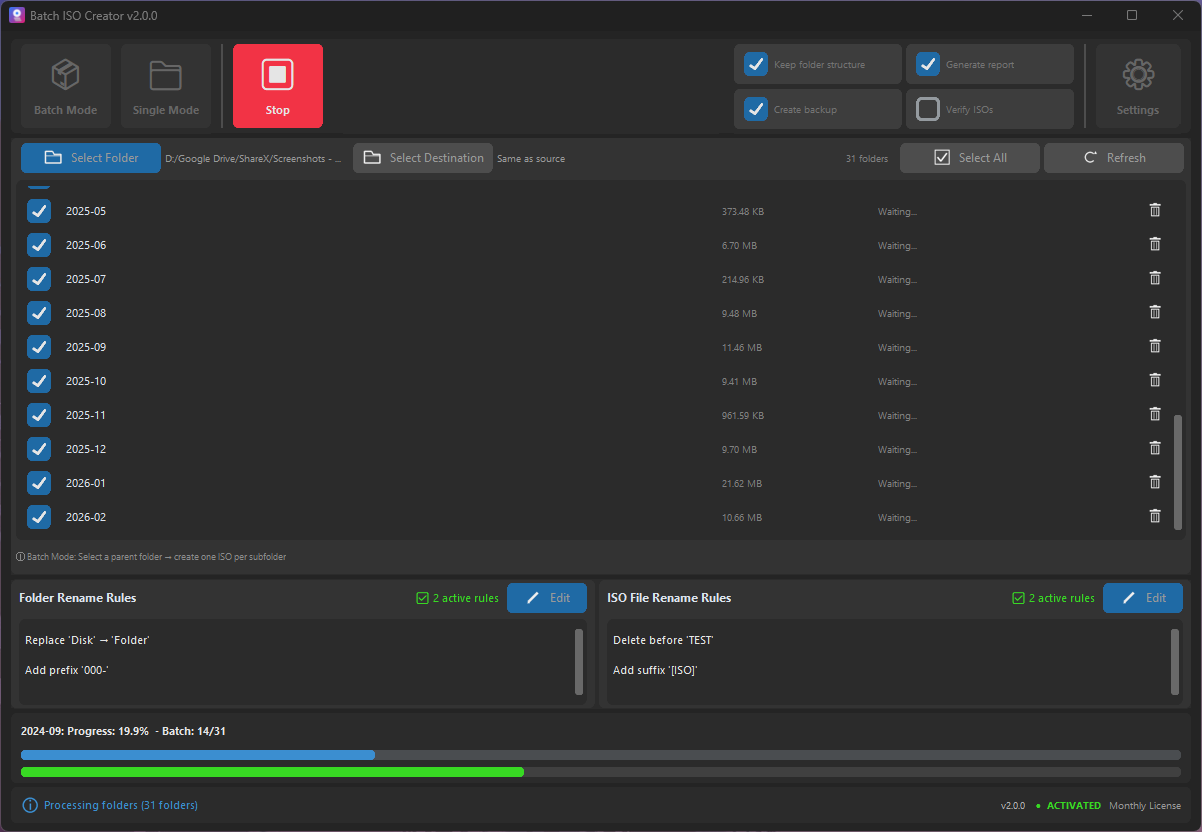
Batch creation is a different job than single ISO creation
Once a task repeats, small friction becomes expensive. Batch ISO Creator reduces the setup loop so you can focus on the folder set, not the tool.
| Manual folder-to-ISO workflow | Batch ISO Creator workflow |
|---|---|
| Open a tool, add files, save an ISO, repeat. | Choose the source folder once and let each folder become its own ISO job. |
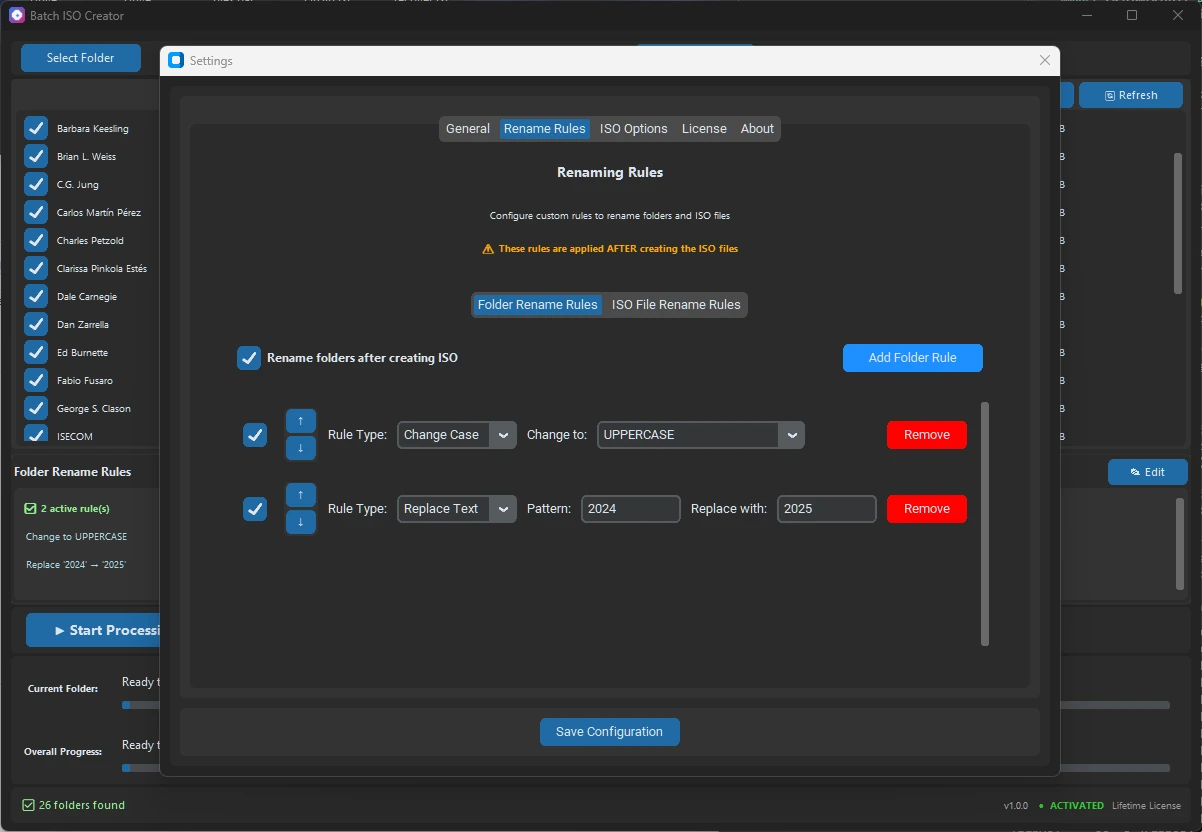
| Rename output files one by one after creation. | Use rename rules up front so output names are already consistent. |
| Guess which folder caused a problem. | Use progress and logs to understand the batch. |
| Rebuild the same process next time. | Use a familiar workflow each time a new folder set arrives. |
Built for real folder libraries
A batch folder-to-ISO job usually starts with a directory full of uneven folder names. Batch ISO Creator helps convert that structure into ISO files that look intentional: uppercase or lowercase names, replaced characters, prefixes for clients or projects, and logs when the job is done.
Best fit workflows
These are the jobs where a batch-first converter feels different immediately.
Release packaging
Turn release folders into versioned ISO files without setting up each build manually.
Offline labs
Package course folders, drivers, lab tools, and documentation as standard ISO images.
Archive cleanup
Convert old folder collections into ISO files with consistent naming and a record of the run.
Stop doing batch work one ISO at a time
Batch ISO Creator turns repeated folder packaging into a controlled Windows workflow with clean output and clear reporting.